

















Mist AI
Strengthen every connection with an AI-native, self-driving network that continuously learns, adapts, and resolves issues in real time—delivering more reliable performance at scale.

AIOps: No more frustrated IT
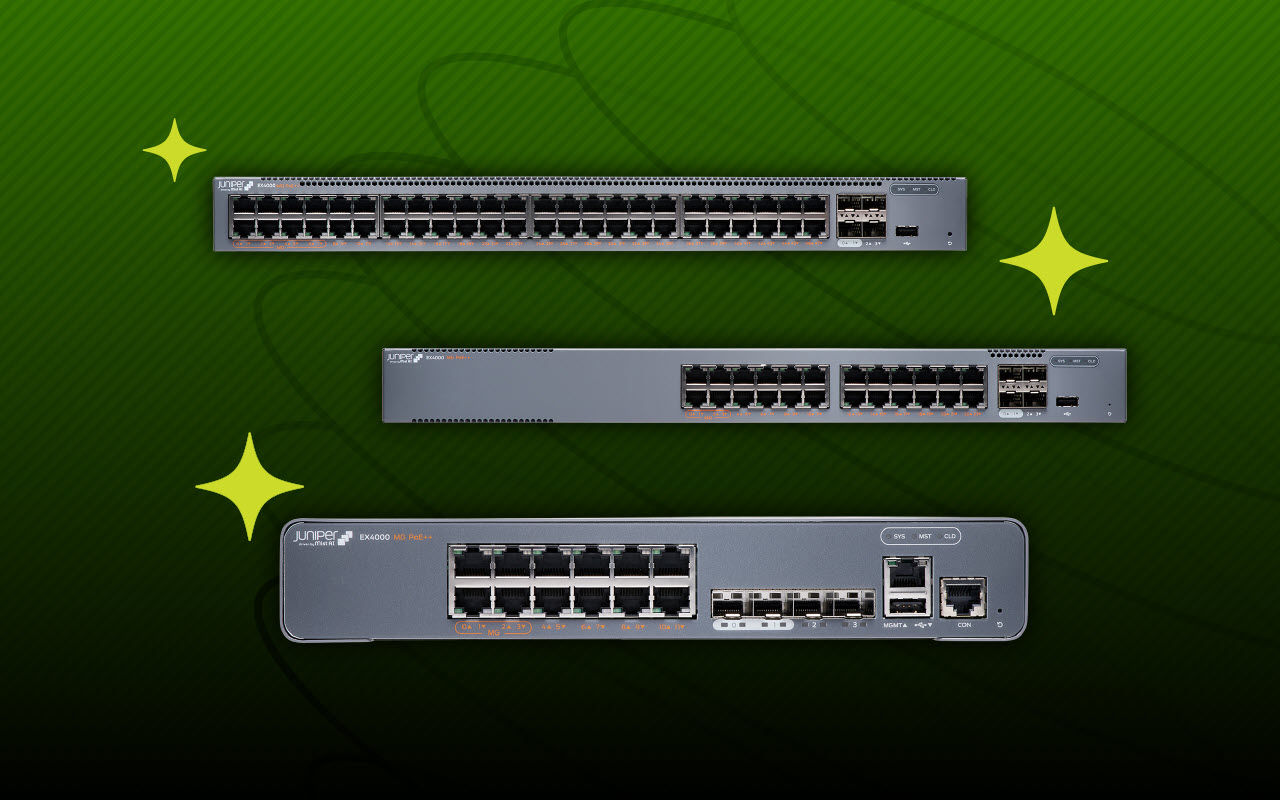
Get visibility into every corner of your network. Prevent bad connections before they begin. Better protect from the remote edge to the data center.

AI-ready infrastructure
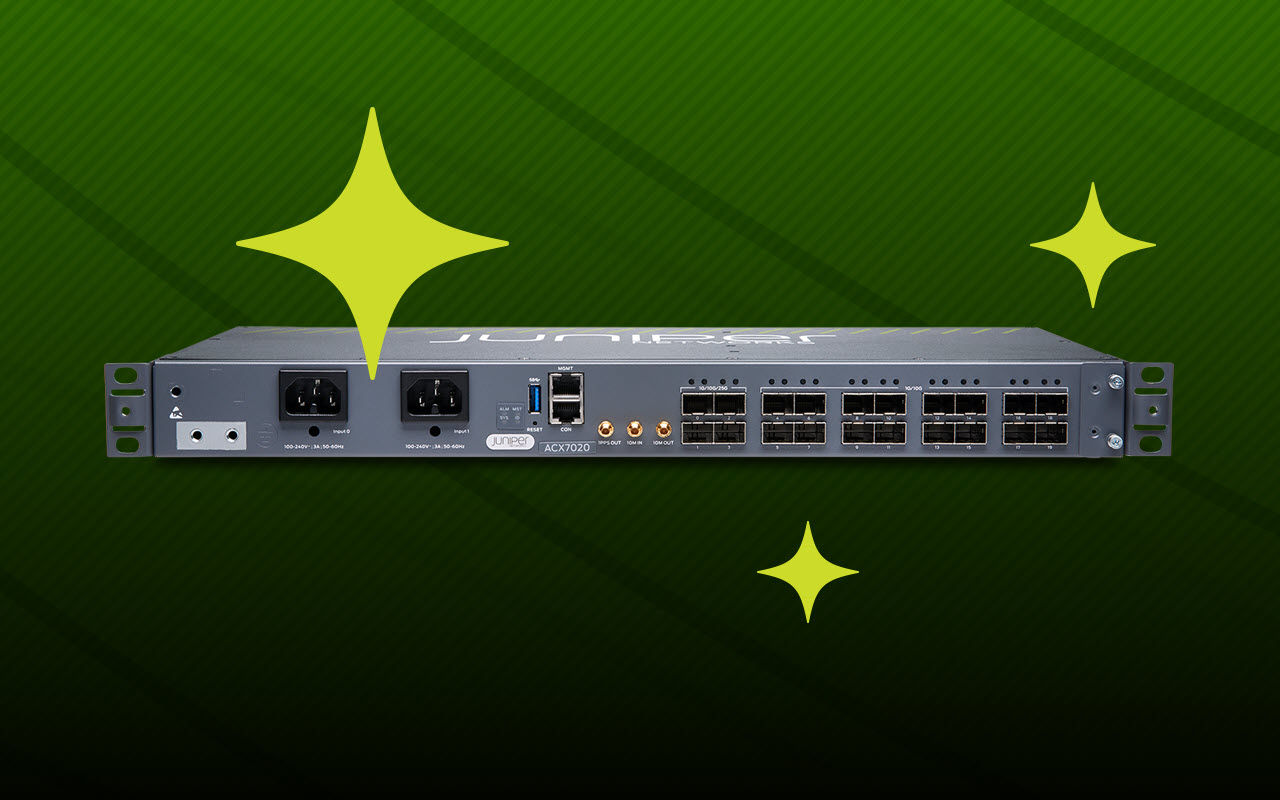
Handle and secure your ever-scaling AI workloads. Run complex AI training, inference, and storage networks clusters with ease.
Locked in, overpaying, underwhelmed?
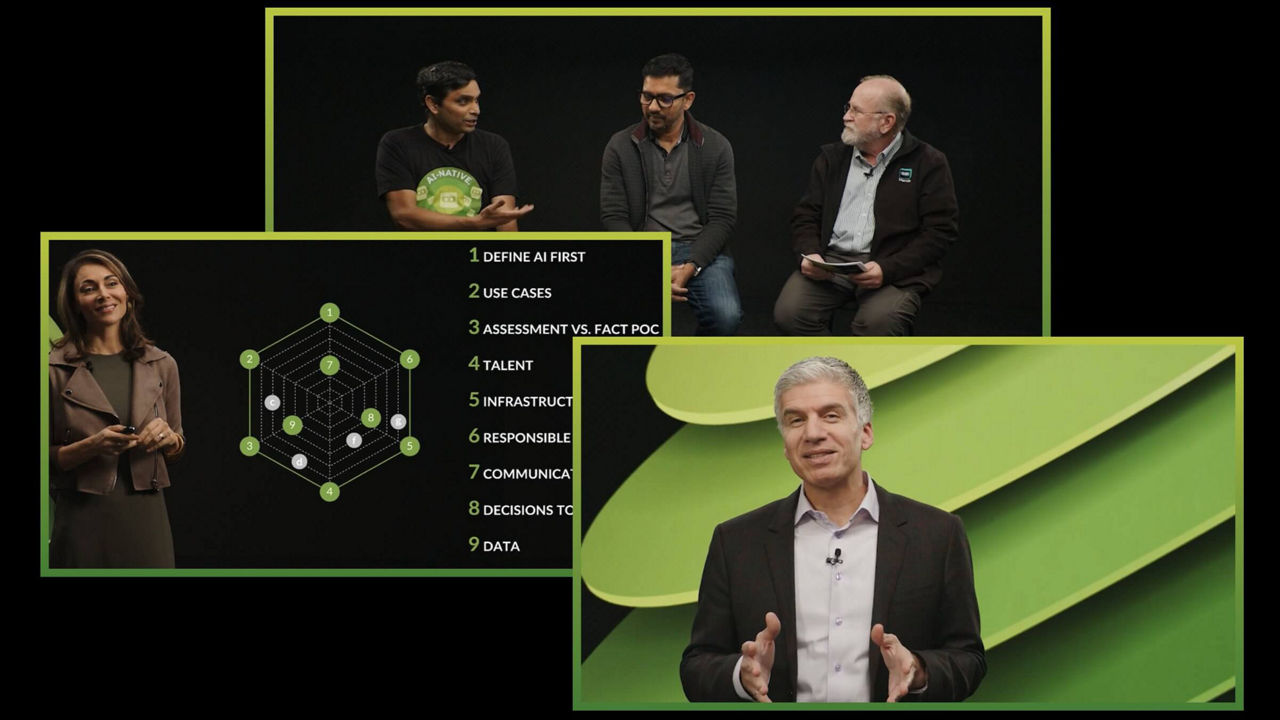
Only Juniper has the AI-Native cure.
No other vendor is driving innovation and setting new standards for AI in networking like Juniper Networks. We’re redefining the category and taking our industry-leading customers along for the ride. Up to 90% fewer trouble tickets? Check. 85% lower OpEx? You got it. Exceptional experiences that make you the IT hero? Welcome aboard.
Don’t miss this head-to-head comparison between us and the “competition.” And then prepare to transform your networking experiences from ordinary to exceptional.

Customers











Enterprise Wired & Wireless LAN Infrastructure
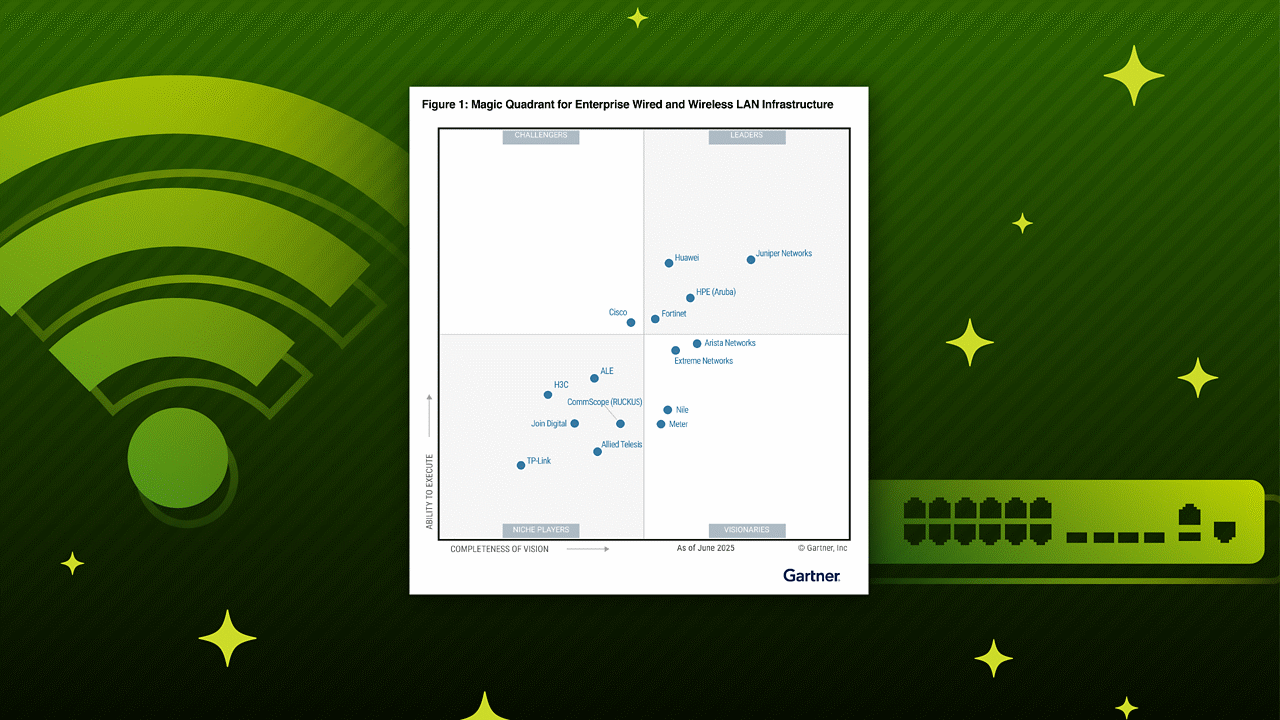
Leader in 2025 Gartner® Magic Quadrant™ for Enterprise Wired and Wireless LAN Infrastructure for the fifth consecutive time.
Data Center Switching
Ranked first for Enterprise Data Center Network in the 2025 Gartner® Critical Capabilities for Data Center Switching Report
Juniper in the News

Our next era as HPE Networking
Juniper is now officially in its next era, as part of HPE. The combination of our companies offers customers an industry-leading comprehensive, secure IT portfolio including a complete, modern networking stack.

HPE accelerates self-driving network operations with new Mist agentic AI-native innovations
HPE today announced major innovations to its HPE Juniper Networking portfolio, advancing its AI-native Mist platform to deliver agentic AIOps through more autonomous, intelligent and proactive network operations.

Future-proof your enterprise with AI-native networking
Discover the benefits of investing in a diversified wireless asset portfolio that’s actively managed by AI, hedged against operational risk, and designed to deliver predictable, measurable returns across every single part of your enterprise.
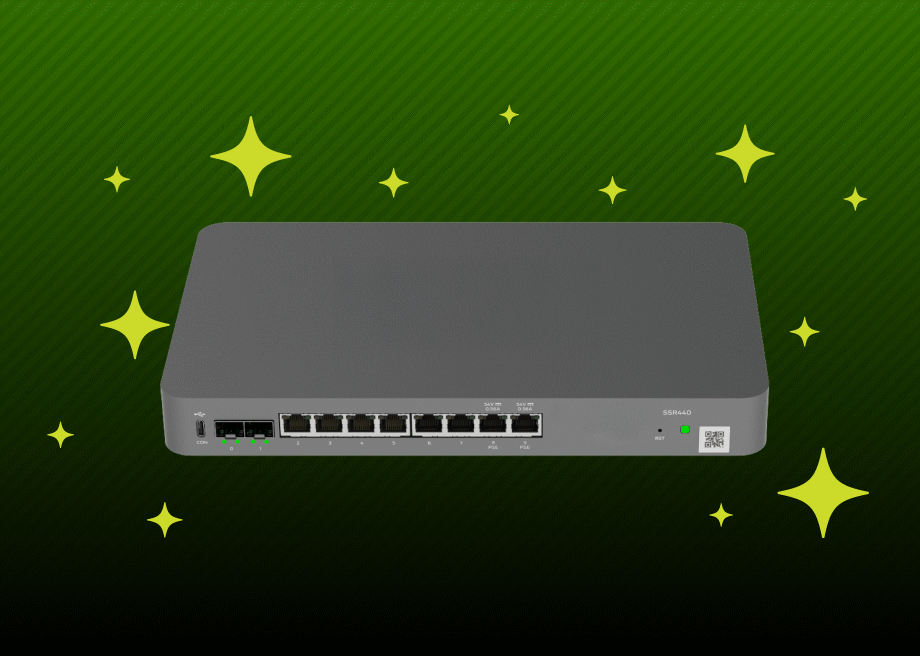
The SSR400 router: Extending the power of AI-native networking to your branches
When we talk about the power of AI-native networking, we're talking about delivering an unparalleled user experience everywhere, starting at the branch. Our new SSR400 Session Smart™ Router is purpose-built to bring the full power of the AI-native SD-WAN to your distributed enterprise.
Gartner Magic Quadrant for Enterprise Wired and Wireless LAN Infrastructure, Mike Leibovitz, Christian Canales, Nauman Raja, Tim Zimmerman 25 June 2025.
Gartner, Magic Quadrant for Data Center Switching, Andrew Lerner, Simon Richard, et al., 31 March 2025
Gartner does not endorse any vendor, product or service depicted in its research publications, and does not advise technology users to select only those vendors with the highest ratings or other designation. Gartner research publications consist of the opinions of Gartner’s research organization and should not be construed as statements of fact. Gartner disclaims all warranties, expressed or implied, with respect to this research, including any warranties of merchantability or fitness for a particular purpose.
GARTNER is a registered trademark and service mark of Gartner, Inc. and/or its affiliates in the U.S. and internationally, and MAGIC QUADRANT is a registered trademark of Gartner, Inc. and/or its affiliates and are used herein with permission. All rights reserved.
This graphic was published by Gartner, Inc. as part of a larger research document and should be evaluated in the context of the entire document. The Gartner document is available upon request from Juniper Networks.