Create AI Cluster Template with EVPN Control Plane
Introduction
Apstra 6.1 enables you to create an AI cluster template with EVPN control plane using the AI Template Designer tool. Use this template to create a blueprint that combines rail-optimized architecture with an EVPN control plane overlay. As a result, you can create an AI fabric with network isolation.
Blueprint Details
An AI cluster blueprint with EVPN uses the existing rail/stripe architecture for GPU host cabling. For more information, see Backend GPU Rail Optimized Stripe Architecture.
Rails still interconnect GPUs on different servers, which connect to leaf switches within each stripe. With the addition of EVPN, routing zones and virtual networks provide multitenancy capability, instead of rail-defined VLANs. For more information about rail-optimized fabrics see the AI Data Center Network with Juniper Apstra, NVIDIA GPUs, and WEKA Storage JVD and the AI Data Center Multitenancy with EVPN VXLAN JVD.
Blueprint Analytics
AI Cluster blueprints with EPVN support the following existing analytics:
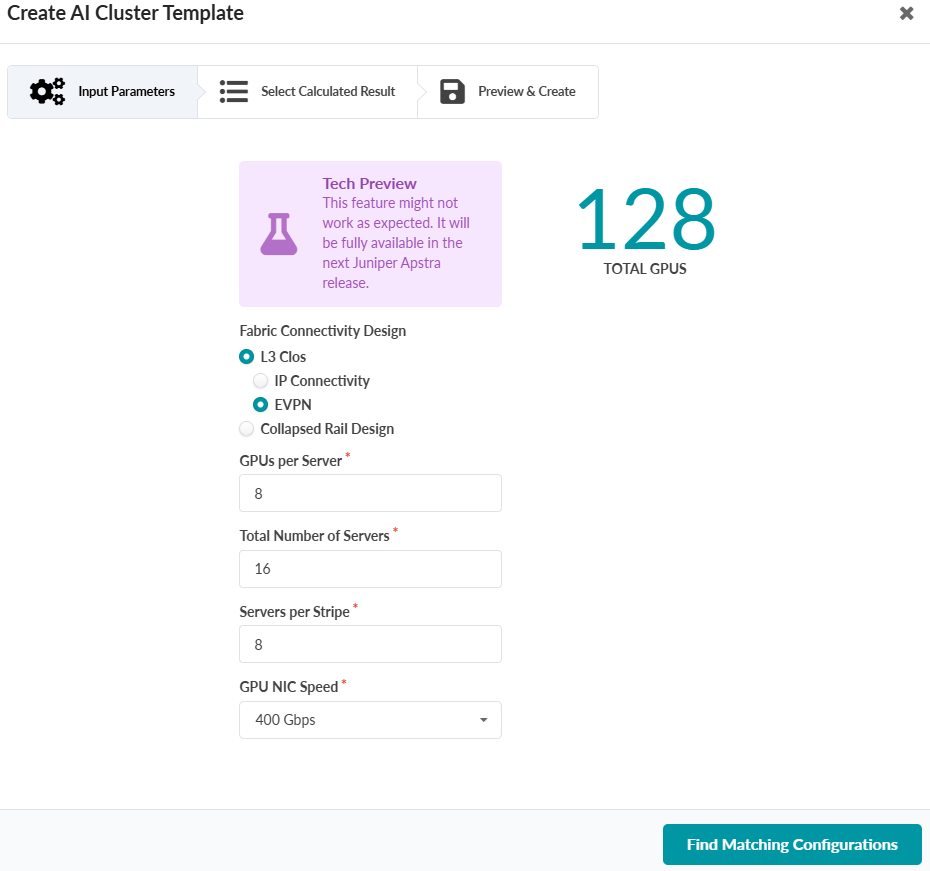
Create an AI Cluster Template with EVPN Control Plane
-
Enter GPUs per server, total number of servers, servers per stripe, GPU NIC
speed, and oversubscription.
The total GPU count calculates automatically.