
ON THIS PAGE
CSDS Groups Overview
CSDS groups provide real-time network topology visualization and performance metrics tracking. You can improve network visibility and retain data for trend analysis, ensuring optimal system performance.
Juniper Security Director offers advanced monitoring capabilities for the devices in the Connected Security Distributed Services (CSDS) architecture through CSDS groups. You need to deploy CSDS solution outside of Juniper Security Director and provide the necessary details when you create CSDS groups. You can add devices to the CSDS groups and view the CSDS groups topology that displays the connectivity and status of security devices. The topology also provides the details for critical metrics such as CPU usage, memory usage, and packet statistics. The graphical representations of health, traffic, and service metrics help you to understand your network's performance at a glance. The CSDS groups help you to efficiently compare and monitor the system performance and security statistics of your SRX Series Firewalls.
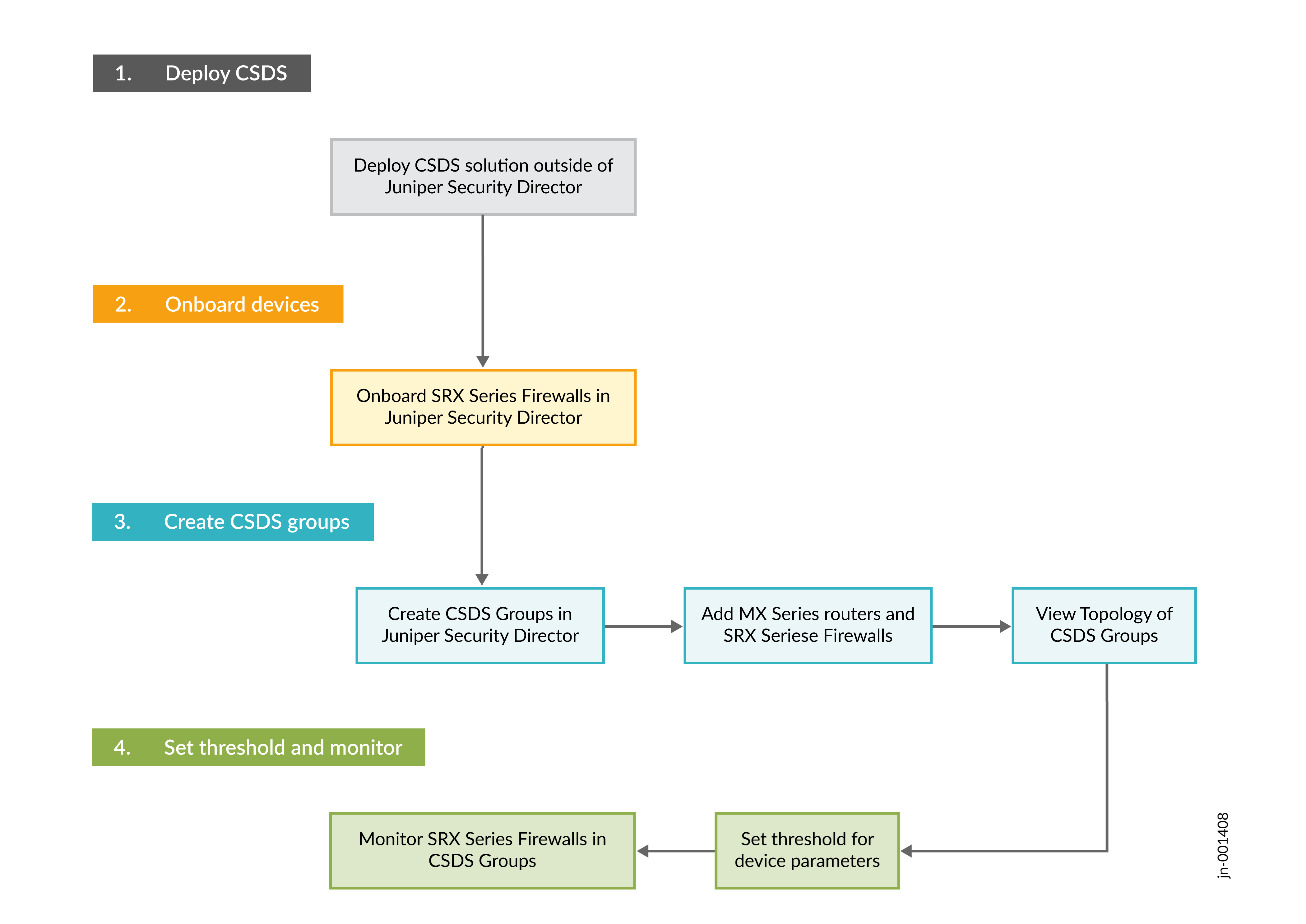
Use the CSDS Groups page to create and manage the CSDS groups in Juniper Security Director and add devices to each group.
Benefits
-
Network visibility—Offers real-time topological views to quickly understand the status of your devices in CSDS architecture, enhancing network visibility
-
Performance insights—Provides detailed health and performance KPIs to help identify and resolve issues rapidly, maintaining optimal system performance.
-
Efficient troubleshooting—Aggregates performance metrics at the group level, allowing for comparative analysis of individual devices within CSDS groups, making troubleshooting more efficient.
Before You Begin
-
Deploy CSDS solution outside of Juniper Security Director. For more information, see Connected Security Distributed Services Architecture Deployment Guide.
-
Onboard your SRX Series Firewalls to Juniper Security Director. For more information, see Onboard SRX Series Firewalls to Juniper Security Director.
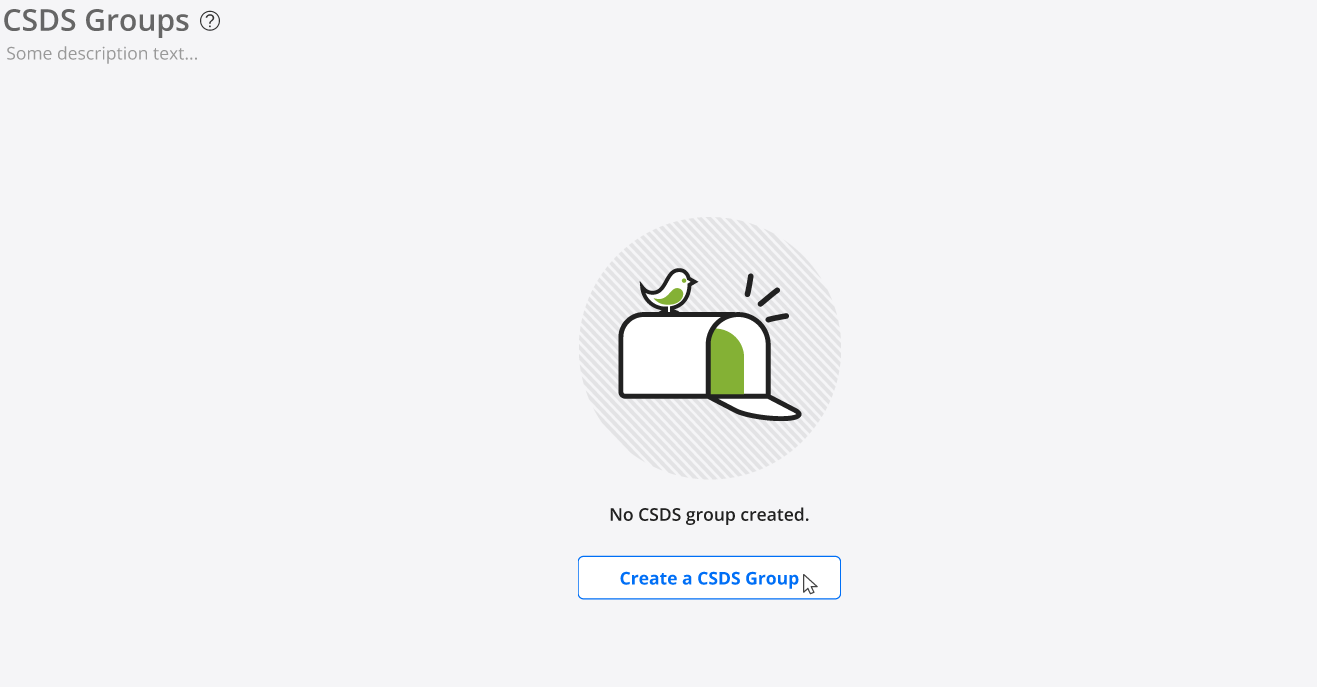
On your first visit to the CSDS Groups page, you will see a blank page, as shown in Figure 2. Click Create a CSDS Group to create your CSDS group and add devices. For more information about creating CSDS groups, see Create and Manage CSDS Groups.
If the CSDS groups are already created, you can view the following details on the CSDS Groups page:
| Column | Description |
|---|---|
| CSDS Group Name | If you expand the CSDS group name, you can view the list of devices added to the CSDS group. |
| MX Devices |
Number of MX Series routers added to the group |
| SRX Devices |
|
| Switch |
|
| Links to Pages |
|