Configure Alerts for WAN Edge Devices
Configure alerts for WAN Edge devices in the Juniper Mist portal so that you can be notified of any issues for monitoring purposes.
To help monitor your WAN Edge devices, you can enable alerts on the Alerts Configuration page, and the dashboard will display network and device issues that are ongoing for any of those alerts you've configured. You can also enable e-mail notifications for issues that you want to monitor closely.
-
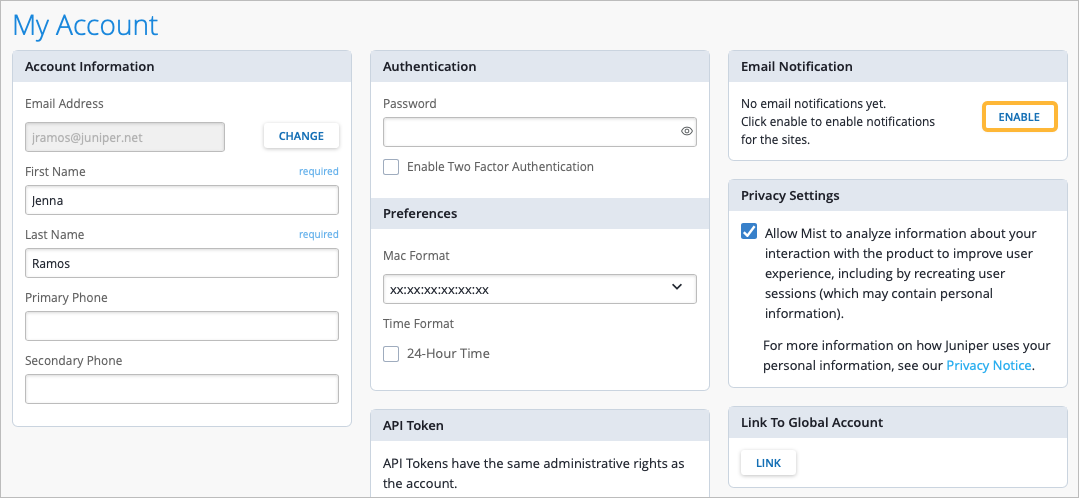
In the Applies to scope section, click the My
Account link. This brings you to the My Account
settings page. Click the ENABLE button in the Email Notification section.
Even for an administrator, e-mails are disabled by default.
-
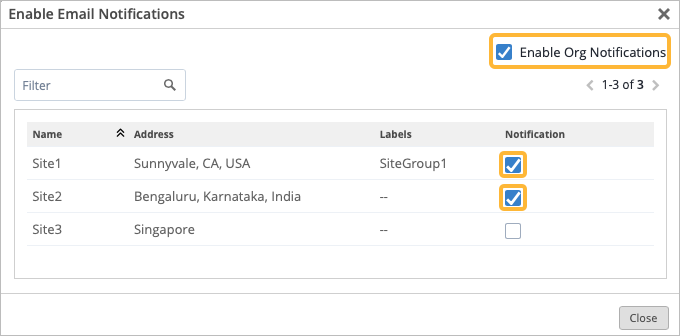
In the Enable Email Notifications pop-up window, enable e-mail
alerts by selecting the checkbox in the Notification column to
select the specific sites that you want to receive notifications for. Select
Enable Org Notifications if you want to receive notifications for
the entire organization.
-
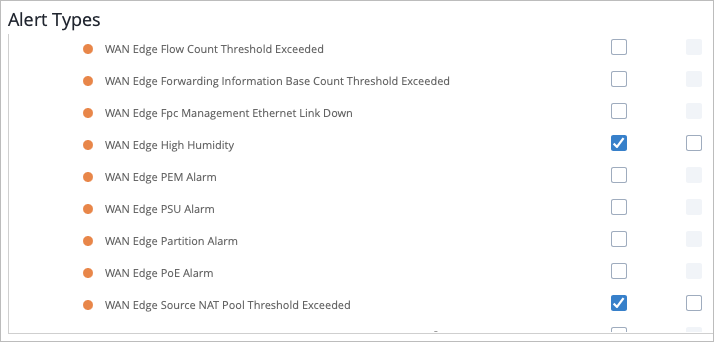
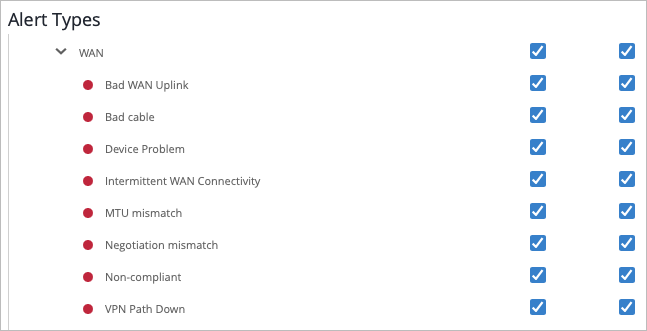
Scroll down under Alert Types to
Infrastructure, then find the WAN Edge alerts.
-
Scroll to Marvis > WAN. You can select
the checkbox next to WAN to enable all WAN Edge alerts, or just select individual alerts.
Select the checkbox to the right to enable e-mail notifications for that alert.
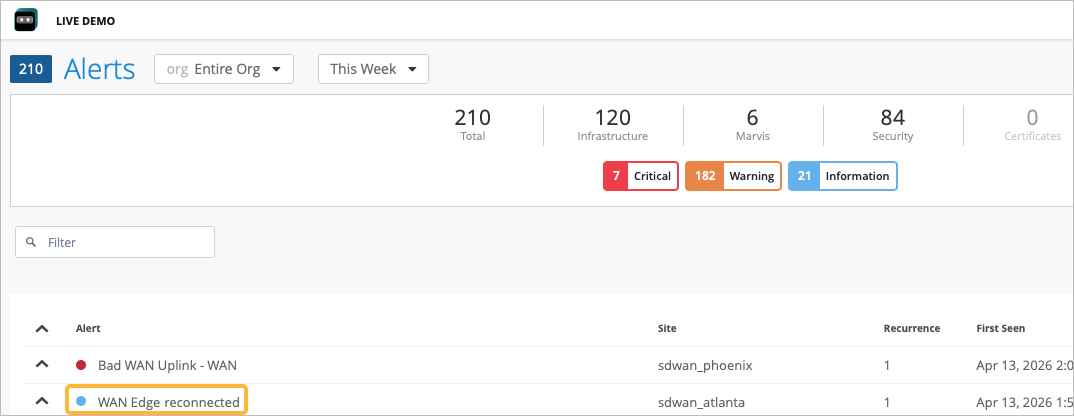
When an event happens, such as a device losing connection to the Juniper Mist cloud, your administrator receives an e-mail about the event both when it first happens, as well as after the issue is resolved. The See Alert Details link in the e-mail directs you to the Alerts page.
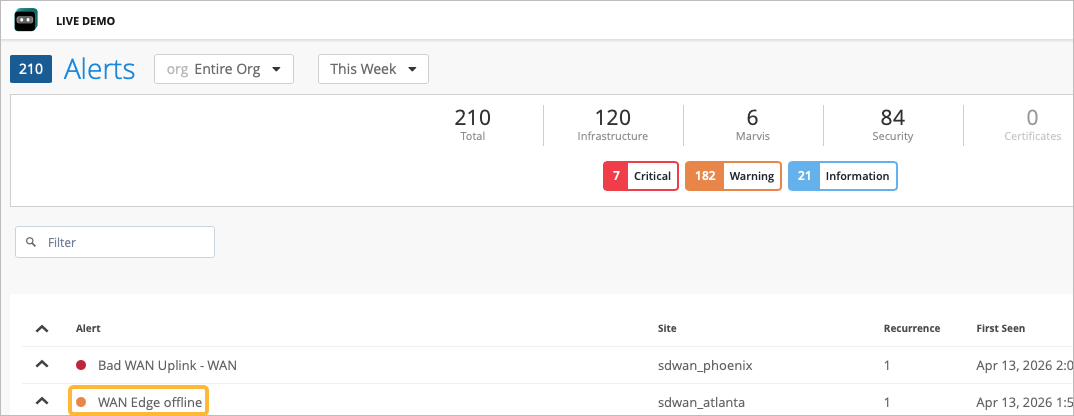
After the connection to the Juniper Mist cloud has been restored, another e-mail will indicate the status change with a link to the Alerts page, with the second event reported.