
Global Cloud Portal Overview
The Global Cloud Portal serves as a central entry point for supported cloud applications by providing a unified login, centralized dashboard, and cross-application organization visibility.
You need a global account to access the Global Cloud Portal. This is separate from your local account. For more information, see User Account Overview.
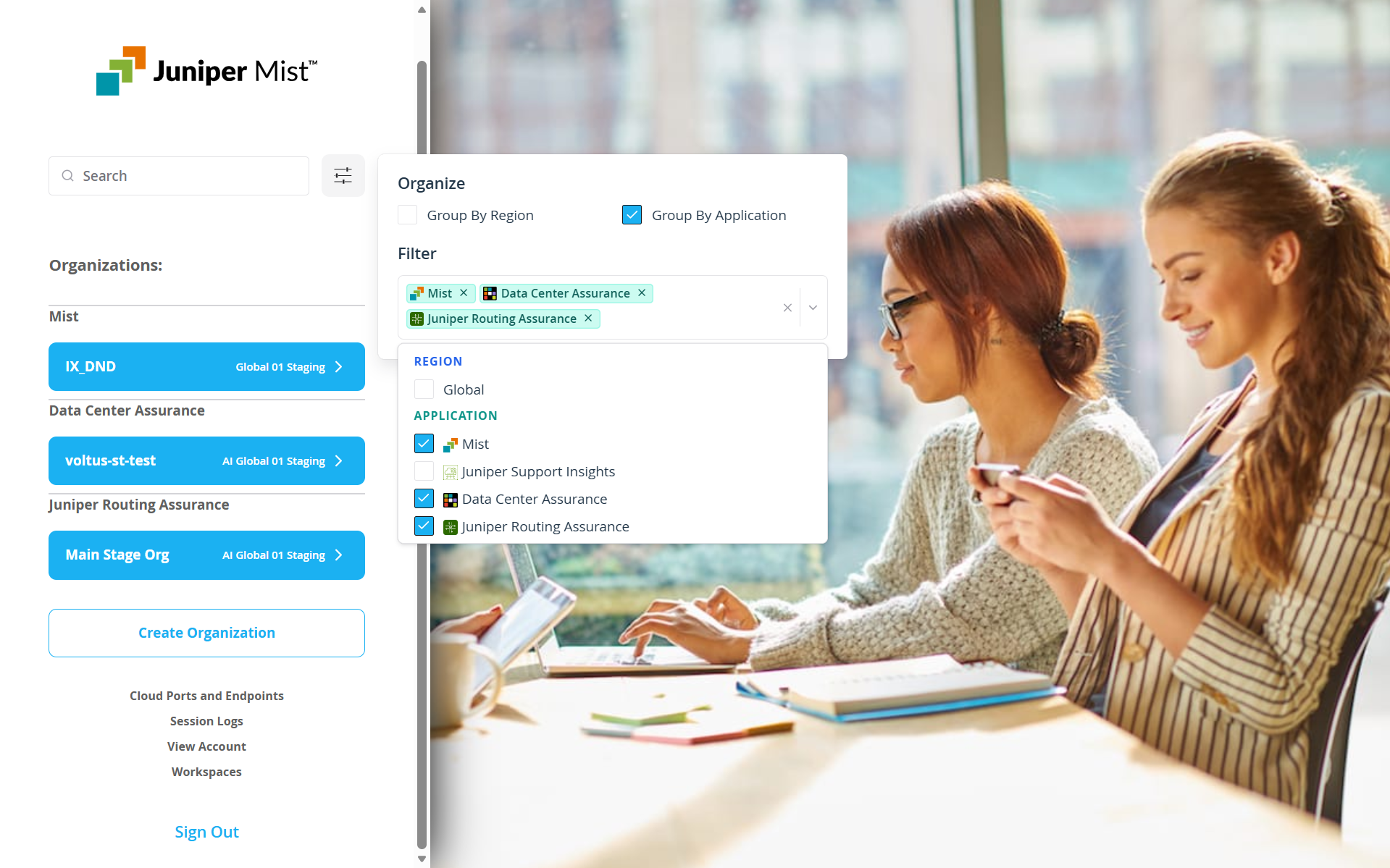
The Global Cloud Portal enables you to sign in using a global account and access a unified dashboard from which you can view and navigate across organizations created in different supported applications. To create a global account, see Create a Global Account.
Organizations can be created in any of the supported applications, such as Mist, Juniper Routing Assurance, HPE Mist Networking Data Center Assurance, Juniper Support Insights, and Data Center AIOps.
Once created, these organizations can be accessed through the Global Cloud Portal regardless of the region in which they are hosted or the application in which they were created, provided you have a global account and it's linked to your local account.
Currently, multi-region support is available only for organizations created through the Mist portal. For more information, see Juniper Mist Clouds and Accounts.
Benefits of Using Global Cloud Portal
The Global Cloud Portal is designed for users managing multiple organizations across supported cloud applications and needs a centralized view and entry point to access the organizations.
Use the Global Cloud Portal to:
-
Simplify access to your organizations created across supported applications using a single global login
-
Get centralized visibility across organizations
-
Improve operational efficiency while managing multi-domain organizations
-
Navigate seamlessly across Mist, Juniper Routing Assurance, Data Center Assurance, Juniper Support Insights, and Data Center AIOps
By default, organizations across all applications and available regions are displayed. You can apply filters as needed to refine the view.