
Step 2: Up and Running
Managed Devices
You've followed the manual steps or you've used ZTP to get your devices installed with their management IP addresses and device agents. Plus, your switches are registered with the Apstra server. But they're not quite ready for deployment. Just after being added, devices are placed into the Out-of-Service Quarantine state. To place them under full control of the system, they need to be acknowledged.
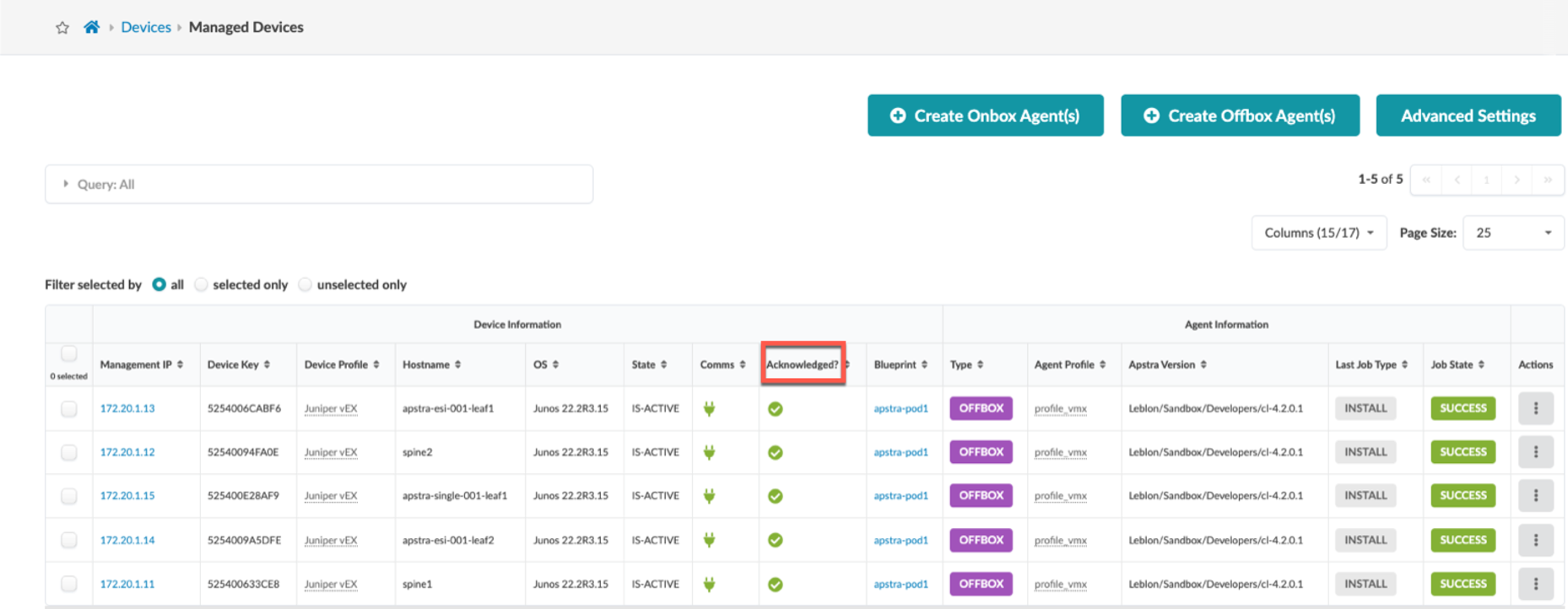
After acknowledging your devices, you can explore various aspects of their status. Additional tools display the agent state, access the Pristine Config, and view device telemetry.
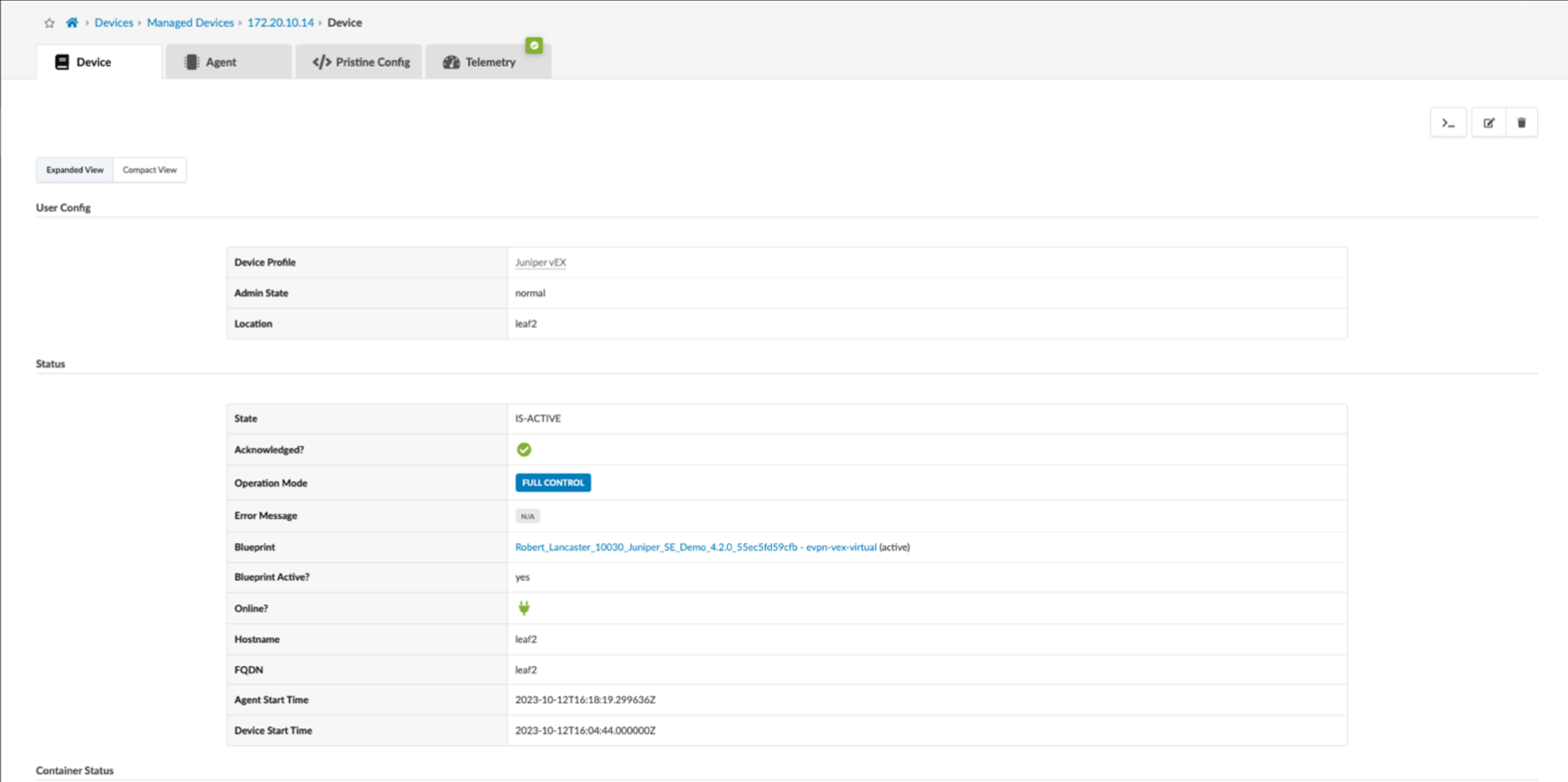
n
Use of the tools in the Managed Devices view is covered in the Managed Devices section of the Juniper Apstra User Guide.
ZTP can handle NOS upgrades during setup, but upgrades after system control require the Managed Devices page tool. This tool keeps NOS versions secure and ensures proper network operation. It also simplifies updates needed to address issues. The tool provides flexibility for image storage and tracks installation progress.
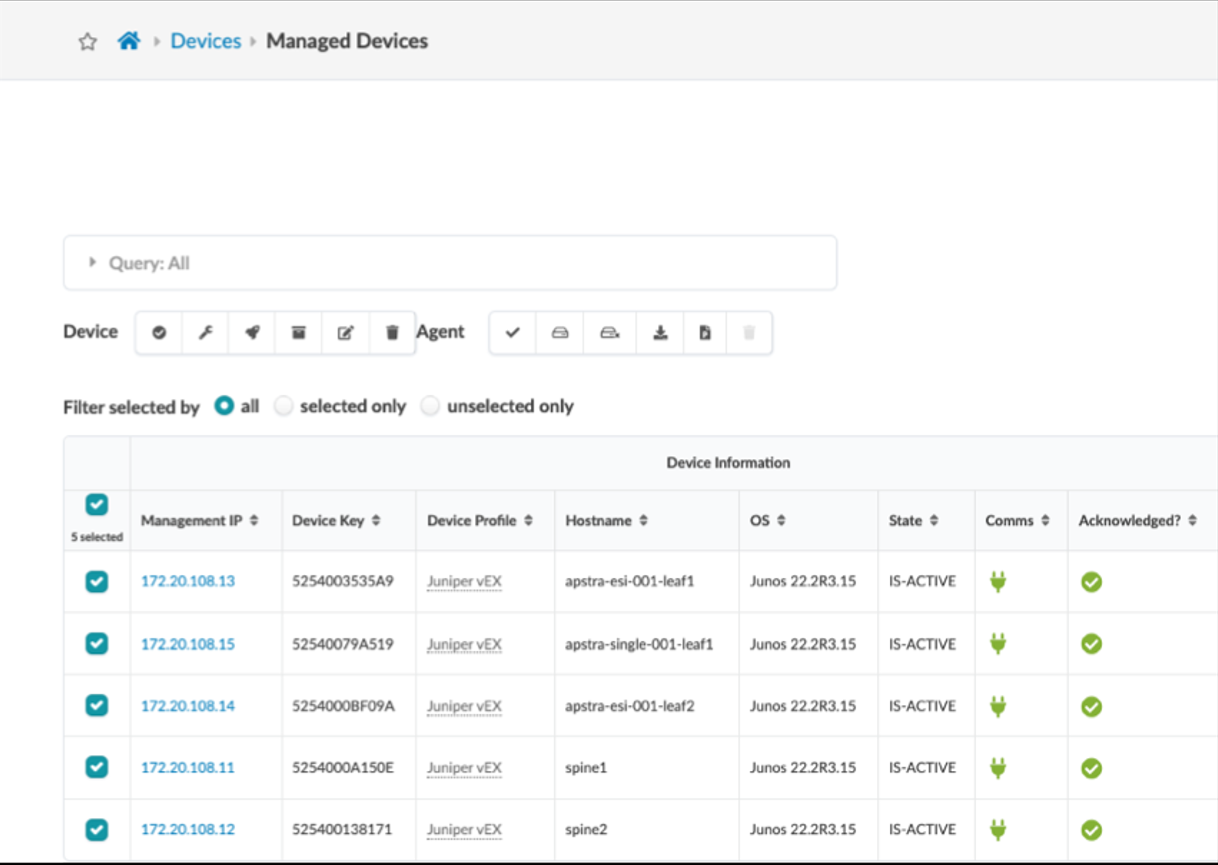
Upgrading the NOS of a device from the Managed Devices view is described in detail in the Upgrade Device NOS section of the Juniper Apstra User Guide.