
PTX10004 Switch Fabric
The PTX10004 Switch Interface Boards (SIBs) form the switch fabric for the router.
PTX10004 Switch Interface Board Description
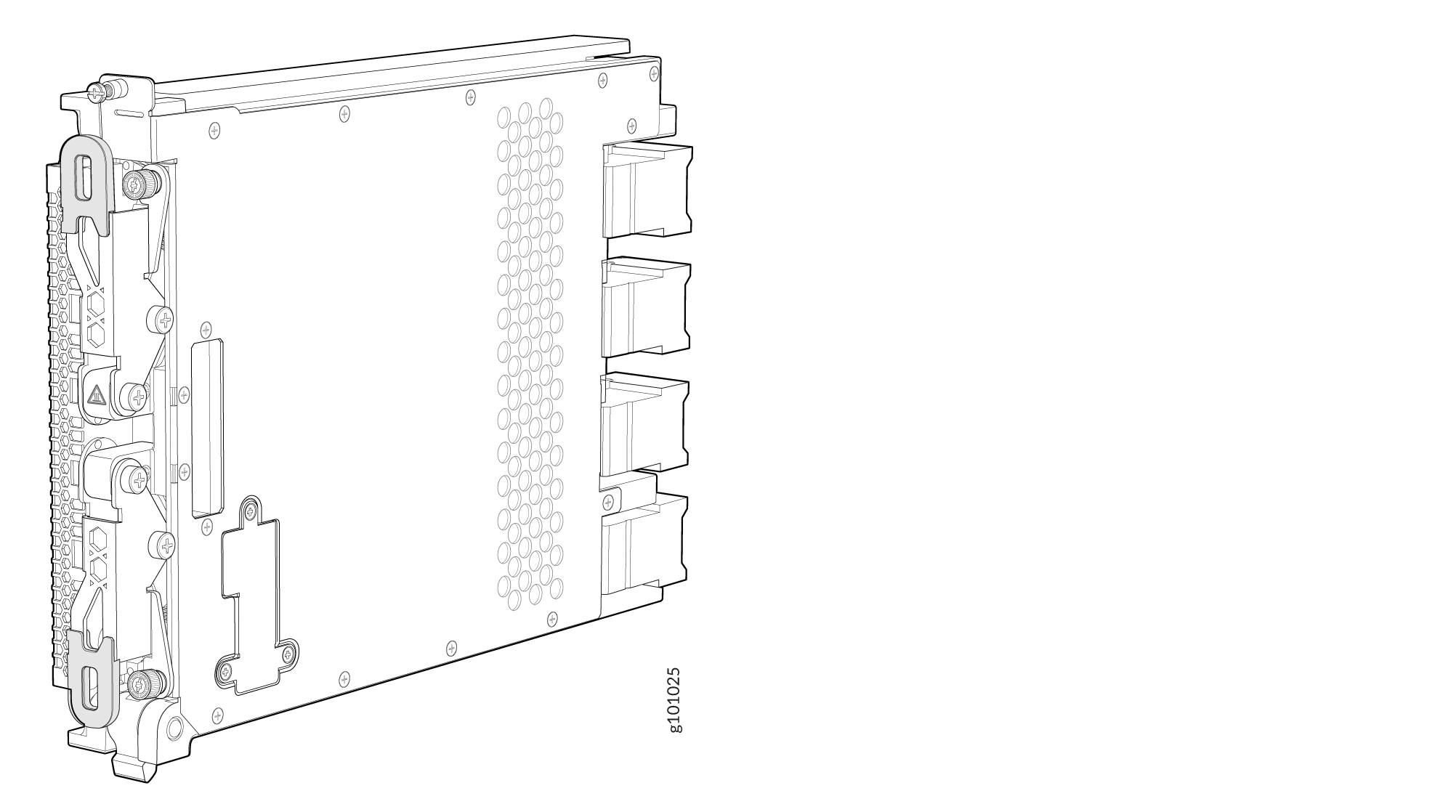
Switch Interface Boards (SIBs) create the switch fabric for the PTX10004. The router contains between three and six SIBs that are installed vertically, mid-chassis, between the line cards and the RCBs in the front and the fan trays in the rear.
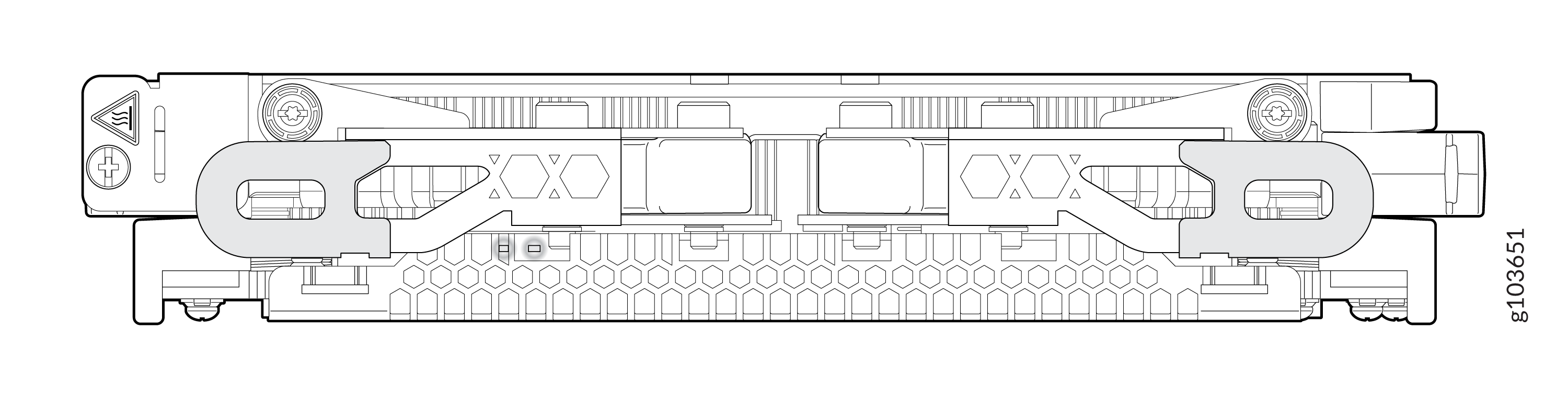
The SIBs make up the PTX10004 switching plane. Each SIB has four connectors that correspond to a matching connector on one of the four line cards; see Figure 1.
|
Specification |
JNP10004-SF3 |
JNP10004-SF5 |
|---|---|---|
|
Operating system |
Junos OS Evolved Release 20.4R1 and later |
Junos OS Evolved Release 26.2R1-S2 and later |
|
Supported line cards |
PTX10K-LC1201-36CD, PTX10K-LC1202-36MR, and PTX10K-LC1301-36DD Note: The support for PTX10K-LC1301-36DD is
available from Junos OS Evolved Release 25.4R1-S1.
|
PTX10K-LC1201-36CD, PTX10K-LC1202-36MR, and PTX10K-LC1301-36DD |
|
Number of SIBs required for operation |
All systems require at least three SIBs. Routers populated with PTX10K-LC1201-36CD, PTX10K-LC1202-36MR, or PTX10K-LC1301-36DD line cards require six SIBs. All six SIBs must be installed and active to achieve full chassis throughput. The JNP10004-SF3 does not provide switch fabric redundancy. Each switch fabric board provides one-sixth of the total switch fabric bandwidth. |
All systems require at least three SIBs. Routers populated with PTX10K-LC1201-36CD, PTX10K-LC1202-36MR, or PTX10K-LC1301-36DD line cards require six SIBs. All six SIBs must be installed and active to achieve full chassis throughput. The JNP10004-SF5 does not provide switch fabric redundancy. Each switch fabric board provides one-sixth of the total switch fabric bandwidth. |
|
Height |
9.43 in. (23.95 cm) |
9.43 in. (23.95 cm) |
|
Width |
1.77 in. (4.48 cm) |
1.77 in. (4.48 cm) |
|
Depth |
13.22 in. (33.02 cm) |
13.22 in. (33.02 cm) |
|
Weight |
9.81 lb (4.45 kg) |
9.9 lb (4.5 kg) |
The JNP10004-SF5 has two LEDs.
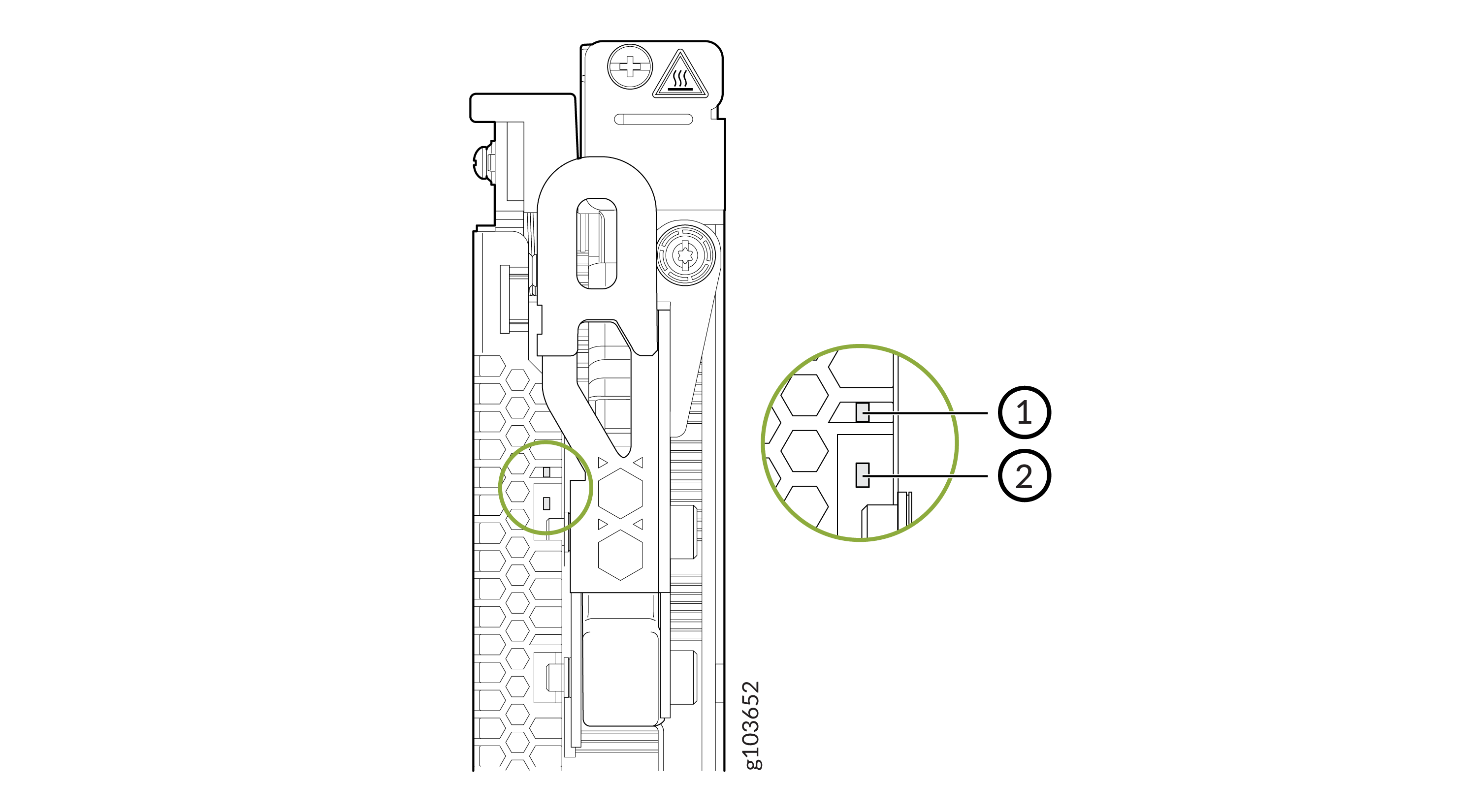
-
Power LED
-
Status LED
Table 2 describes the functions of these LEDs.
|
Label |
Color |
State |
Description |
|---|---|---|---|
|
PWR (Power) |
Green |
On steadily |
The SIB is receiving power. |
|
Yellow |
Blinking |
Power fault. |
|
|
Unlit |
Off |
The SIB is either offline or not receiving power. |
|
|
STAT (Status) |
Green |
On steadily |
The SIB is online and functioning normally. |
|
Green |
Blinking |
The beacon feature is enabled. |
|
|
Yellow |
Blinking |
The SIB has failed. |
|
|
Unlit |
Off |
The SIB is offline. |
SIBs are hot-removable and hot-insertable field-replaceable units (FRUs). They are not visible from the outside of the router chassis. You must remove one of the fan trays to view the SIBs. For instructions on removing the fan trays, see Remove a PTX10004 Fan Tray. The SIBs are numbered SIB0 to SIB5 from left to right. See Figure 4.
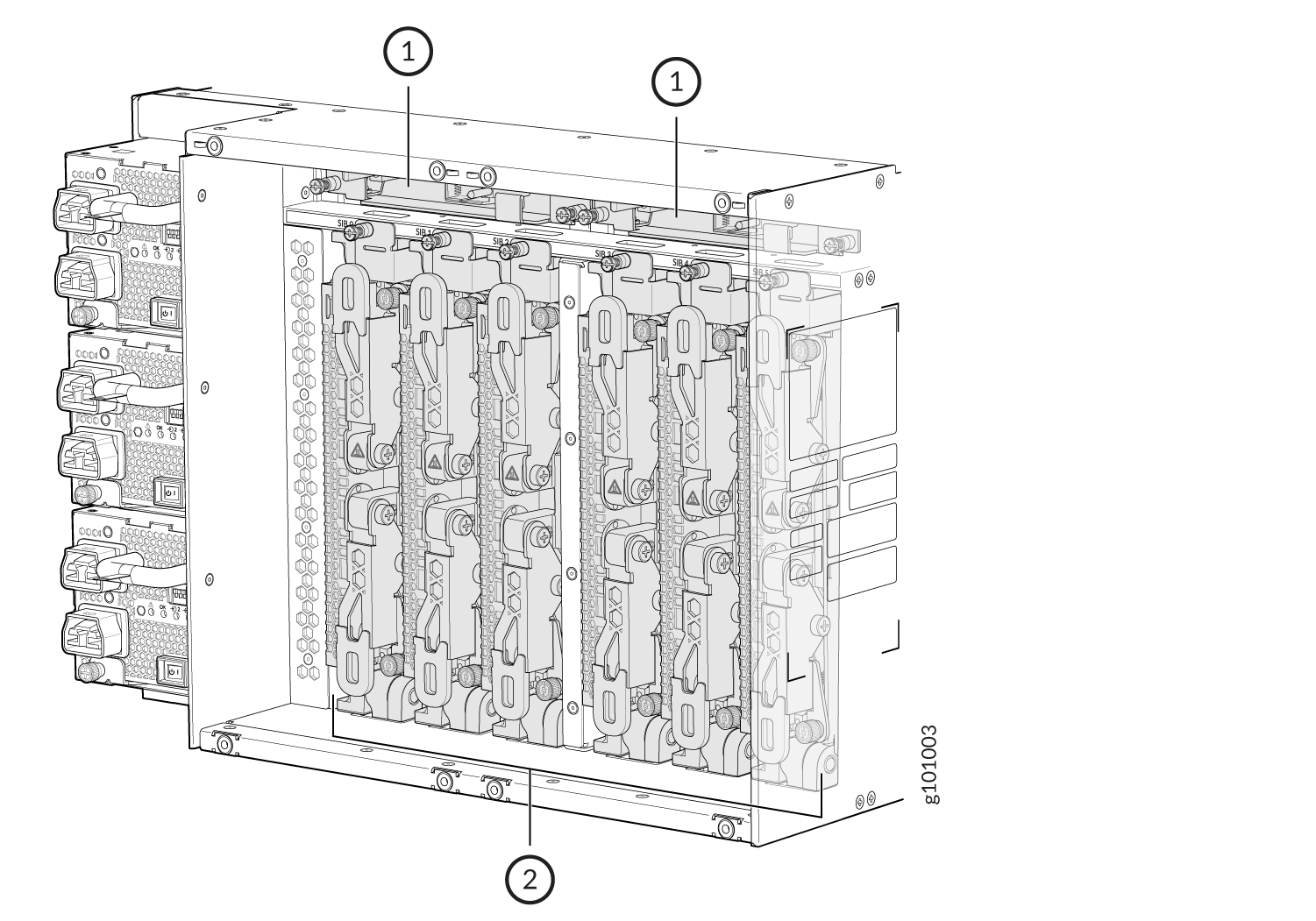
1 — Fan tray controllers | 2 — SIBs |