
Launch Juniper Data Center Assurance from Juniper Apstra
Use this document to launch Juniper Data Center Assurance from the Juniper Apstra GUI.
Starting in Juniper Apstra Release 6.1, you can launch Juniper Data Center Assurance (DC Assurance) from the Apstra GUI. DC Assurance was previously called Apstra Cloud Services (ACS).
These instructions assume that DC Assurance is operational in your environment. For information about how to install DC Assurance, see DC Assurance Onboarding Guide.
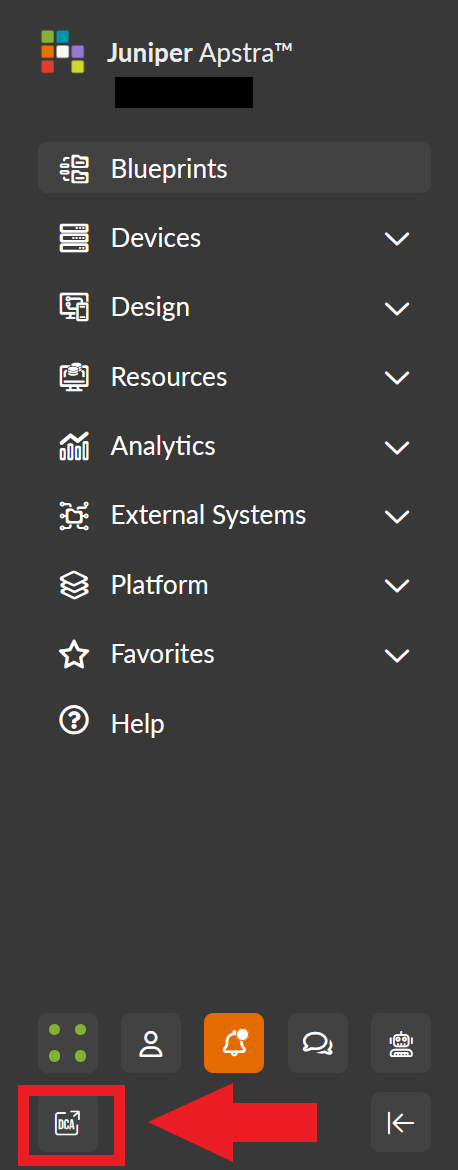
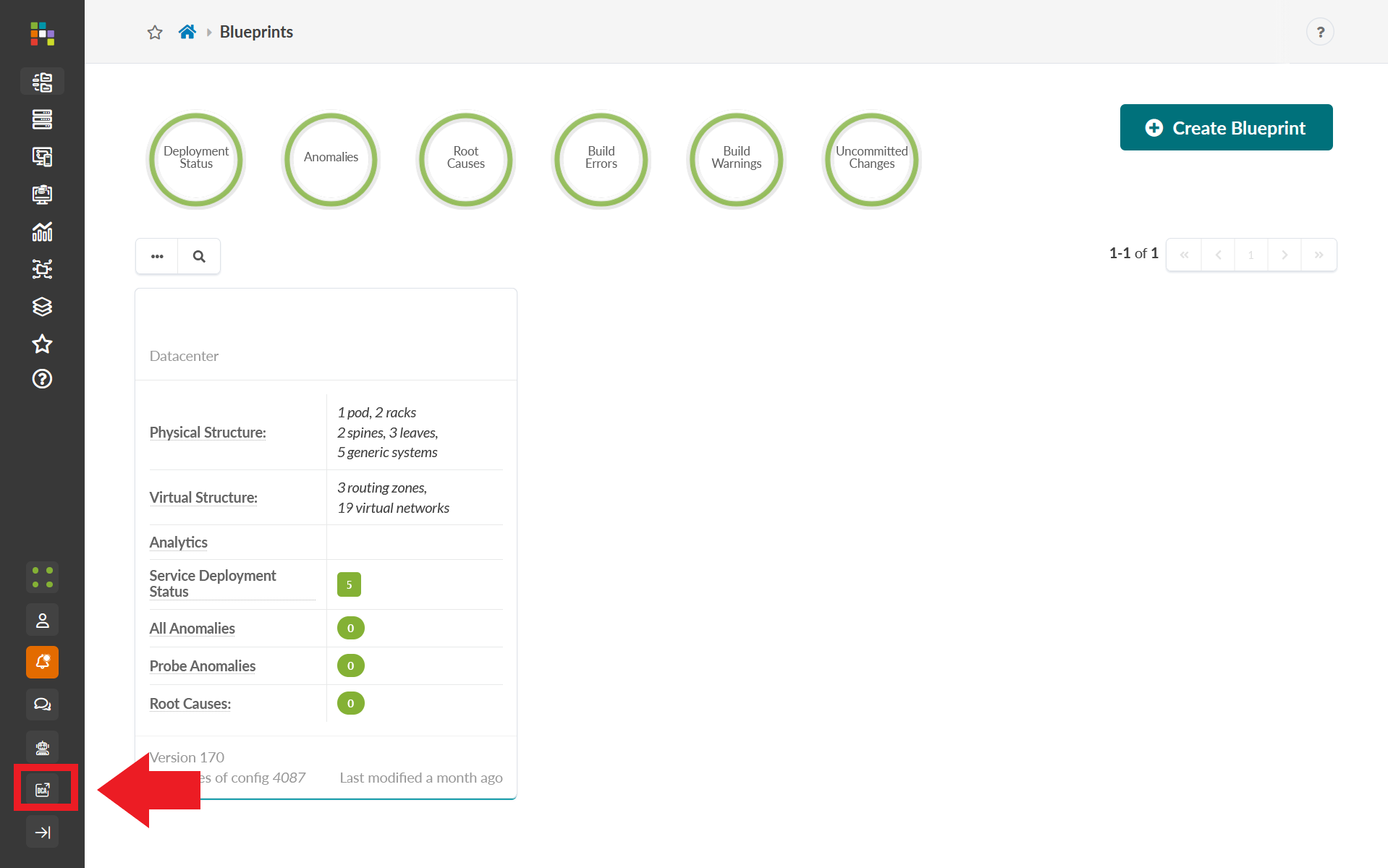
To launch DC Assurance from the Apstra GUI, click the DCA icon in the left navigation menu.
The DCA icon is located on the bottom row of icons within the left navigation menu when the left navigation menu is expanded.
The DCA icon is located near the bottom of the left navigation menu when the left navigation menu is compressed.
You are taken to the DC Assurance UI at https://dc.ai.juniper.net after clicking the DCA icon. See User Activation and Login for information about logging into DC Assurance.
To learn more about using DC Assurance, see the Juniper Data Center Assurance User Guide.