
Power Options for the AP47
The AP47 has dual 10 GbE multigigabit Ethernet ports, both of which support power over Ethernet (PoE) in.
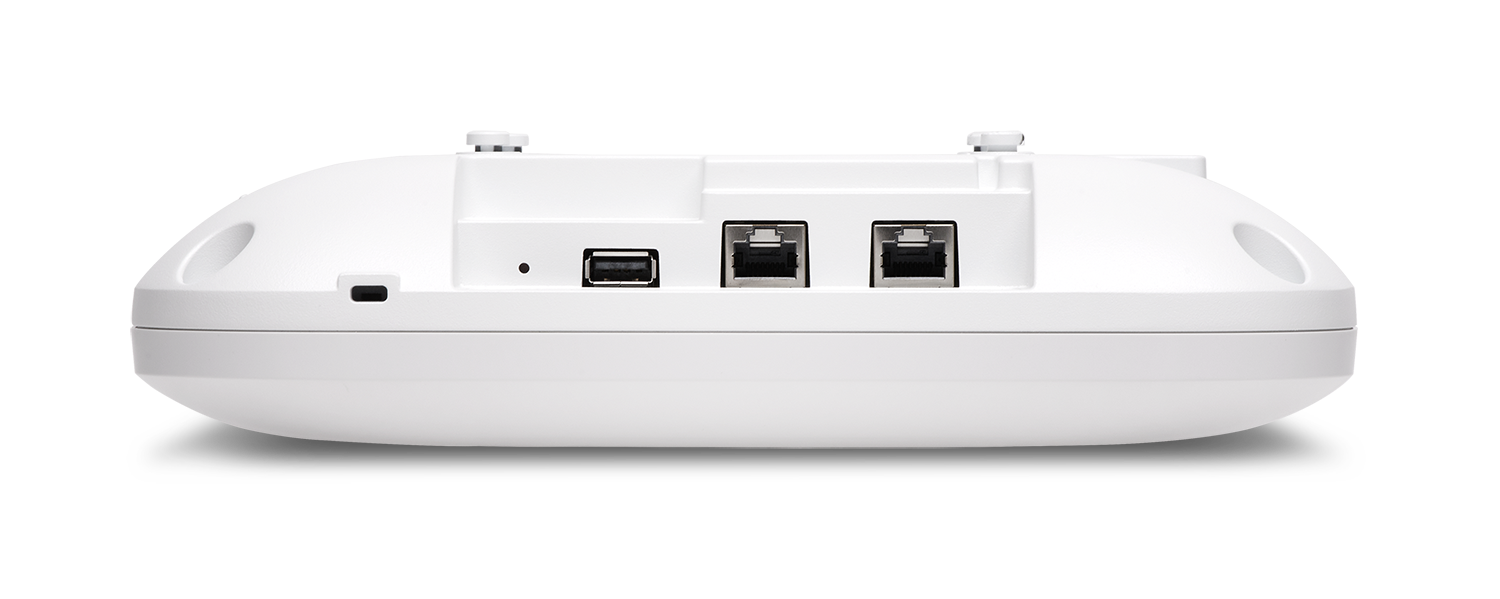
The AP47 requires IEEE 802.3bt power for full functionality. It requires approximately 29 W of power for full Wi-Fi functionality. When powered by IEEE 802.3at power, the AP operates with reduced functionality. The three Wi-Fi radios operate at 2x2:2, or 4x4:4 with any two Wi-Fi radios enabled. The AP47 keeps the scanning radio, and the BLE, GPS, and UWB radios active at all times, regardless of the power source.
Either or both of the ports can be used to power the AP using PoE.
You can use any of the following options to power on the AP:
-
Power over Ethernet (PoE) from an Ethernet switch.
We recommend that you use an Ethernet cable with a maximum length of 100 m to connect the AP to the switch port.
If you use an Ethernet cable that is longer than 100 m by placing an Ethernet PoE extender in the path, the AP might power on, but the Ethernet link does not transmit data across such a long cable. You might see the status LED blink yellow twice. This LED behavior indicates that the AP is unable to receive data from the switch.
-
PoE from a power injector
See PoE Requirements for Juniper Mist APs for the power requirements for an AP47.