Connect ACX7020 to External Devices
Learn how to connect the ACX7020 router to a management console and a network for out-of-band management.
Connect an ACX7020 Router to a Management Console
Ensure that you have an RJ-45 to DB-9 rollover cable available to connect the router to a management console.
We no longer include the RJ-45 console cable with the DB-9 adapter as part of the device package. If the console cable and adapter are not included in your device package, or if you need a different type of adapter, you can order the following separately:
-
RJ-45 to DB-9 adapter (JNP-CBL-RJ45-DB9)
-
RJ-45 to USB-C adapter (JNP-CBL-RJ45-USBC)
-
RJ-45 to USB-A adapter (JNP-CBL-RJ45-USBA)
If you want to use RJ-45 to USB-A or RJ-45 to USB-C adapter, you must have an X64 (64-bit) Virtual COM port (VCP) driver installed on your PC. See https://ftdichip.com/drivers/vcp-drivers/ to download the driver.
If your laptop or PC does not have a DB-9 pin contact and you want to connect your laptop or PC directly to the ACX7020 router, use a combination of the RJ-45 cable and RJ-45 to DB-9 adapter and a USB to DB-9 plug adapter.
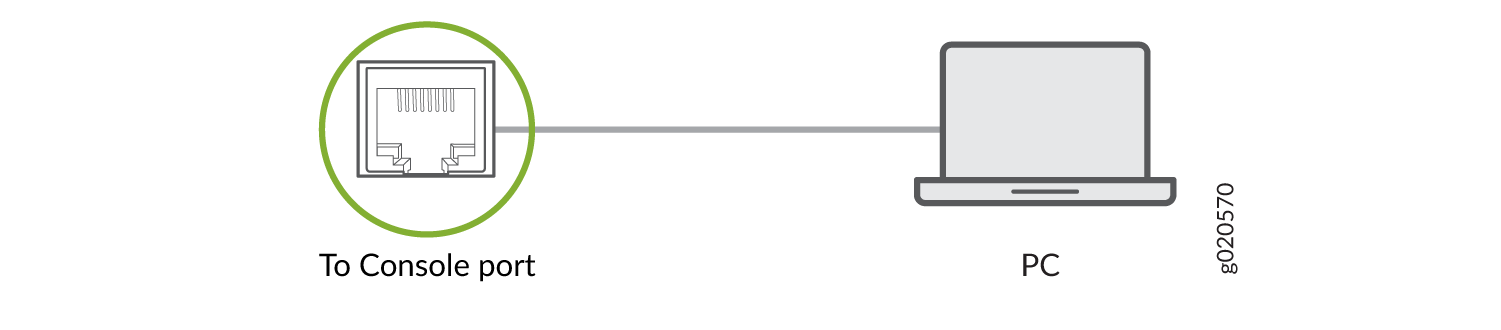
Each ACX7020 router has a console port with an RJ-45 connector. Use the console port to connect the device to a management console or to a console server.
To connect the ACX7020 router to a management console:
-
Connect one end of the Ethernet cable to the console port (labeled
CON).

-
Connect the other end of the Ethernet cable into the console server or
management console.
Connect an ACX7020 Router to a Network for Out-of-Band Management
Ensure that you have an appropriate cable available to connect the router to a network for out-of-band management. See ACX7020 Network Cable and Transceiver Planning.
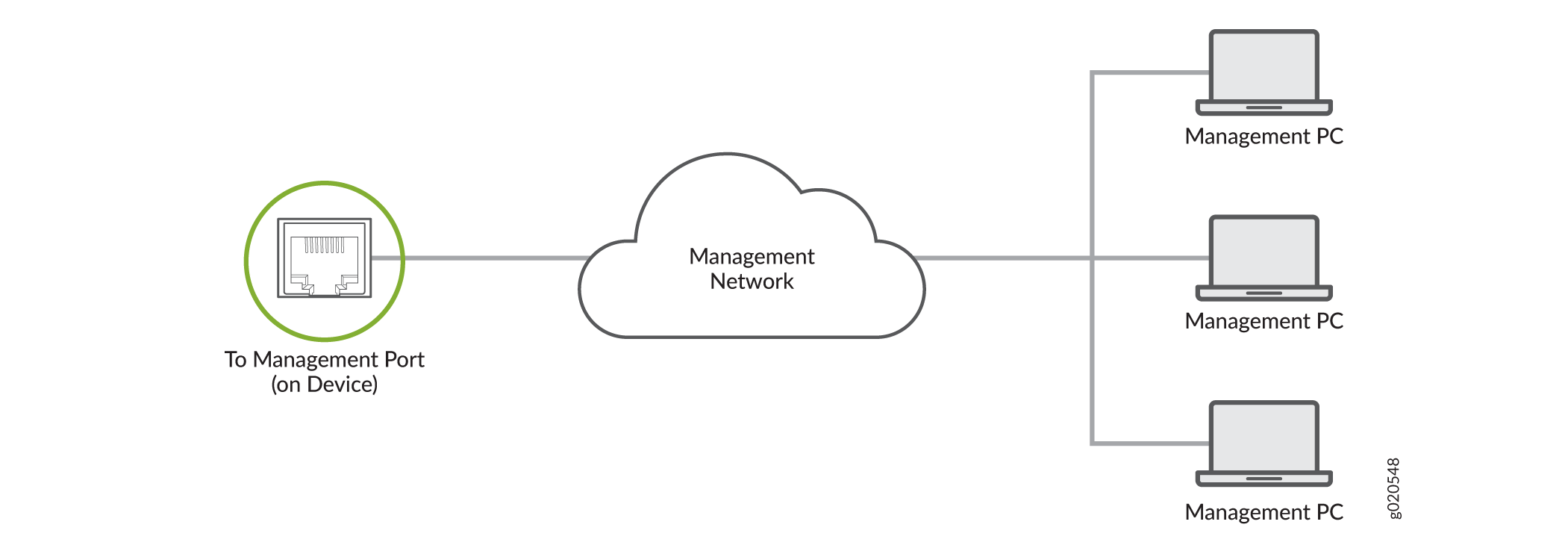
You can monitor and manage the ACX7020 router by using a dedicated management channel. Use the management ports to connect the ACX7020 router to a network for out-of-band management.
You cannot use the management ports to perform the initial configuration of the ACX7020 router. You must configure the management ports before you can successfully connect to the ACX7020 router using these ports. See Perform Initial Software Configuration for ACX7020 Routers.
To connect an ACX7020 router to a network for out-of-band management:
- Connect one end of the cable to the management port labeled MGMT on the ACX7020 router.
- Connect the other end of the cable to the management PC.