Generating activity reports for Box cloud applications.
This section provides instructions for generating CSV formatted activity reports within Box.
-
Log into the Box application with your administrator credentials.
-
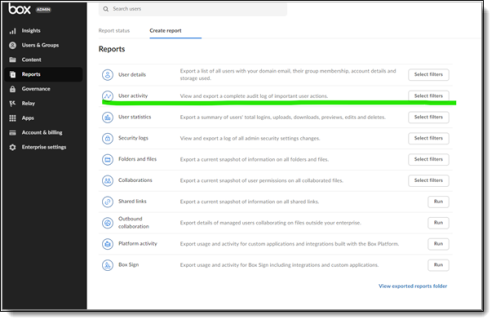
On the Box admin console page, click Reports.
-
Click Create Report, then select User Activity.
-
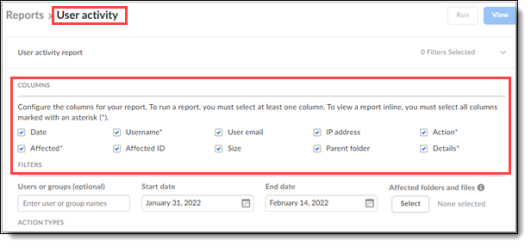
On the Reports page, select the columns to include in the report.
-
Select a start date and an end date for the report.
-
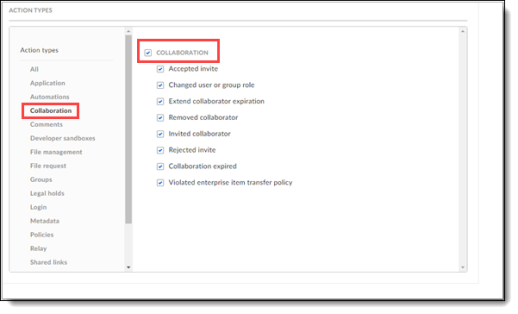
Under Action Types, select Collaboration and select all of the action types under COLLABORATION.
-
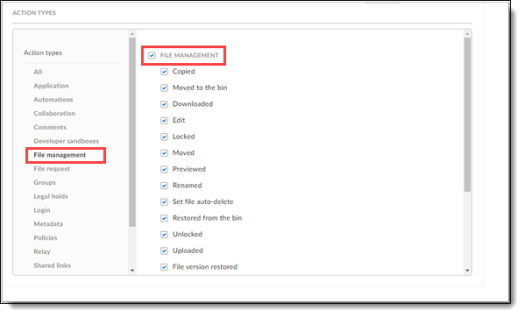
Select File Management and select all of the action types under FILE MANAGEMENT.
-
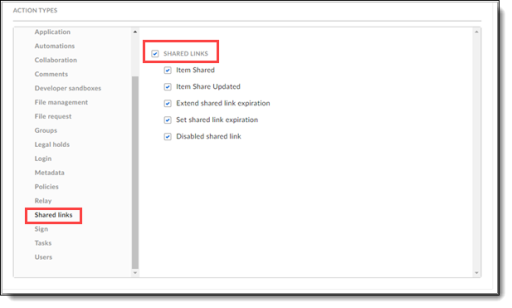
Select Shared Links and select all of the action types under SHARED LINKS.
-
Click Run at the top right to submit the report request.
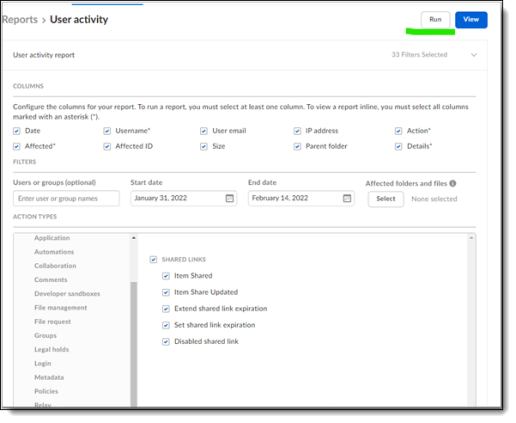
A popup message appears confirming the request.

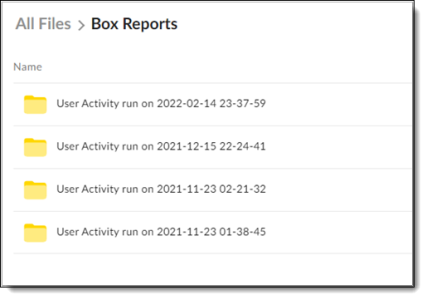
When the report is finished running, you can view it in the folder under Box Reports.