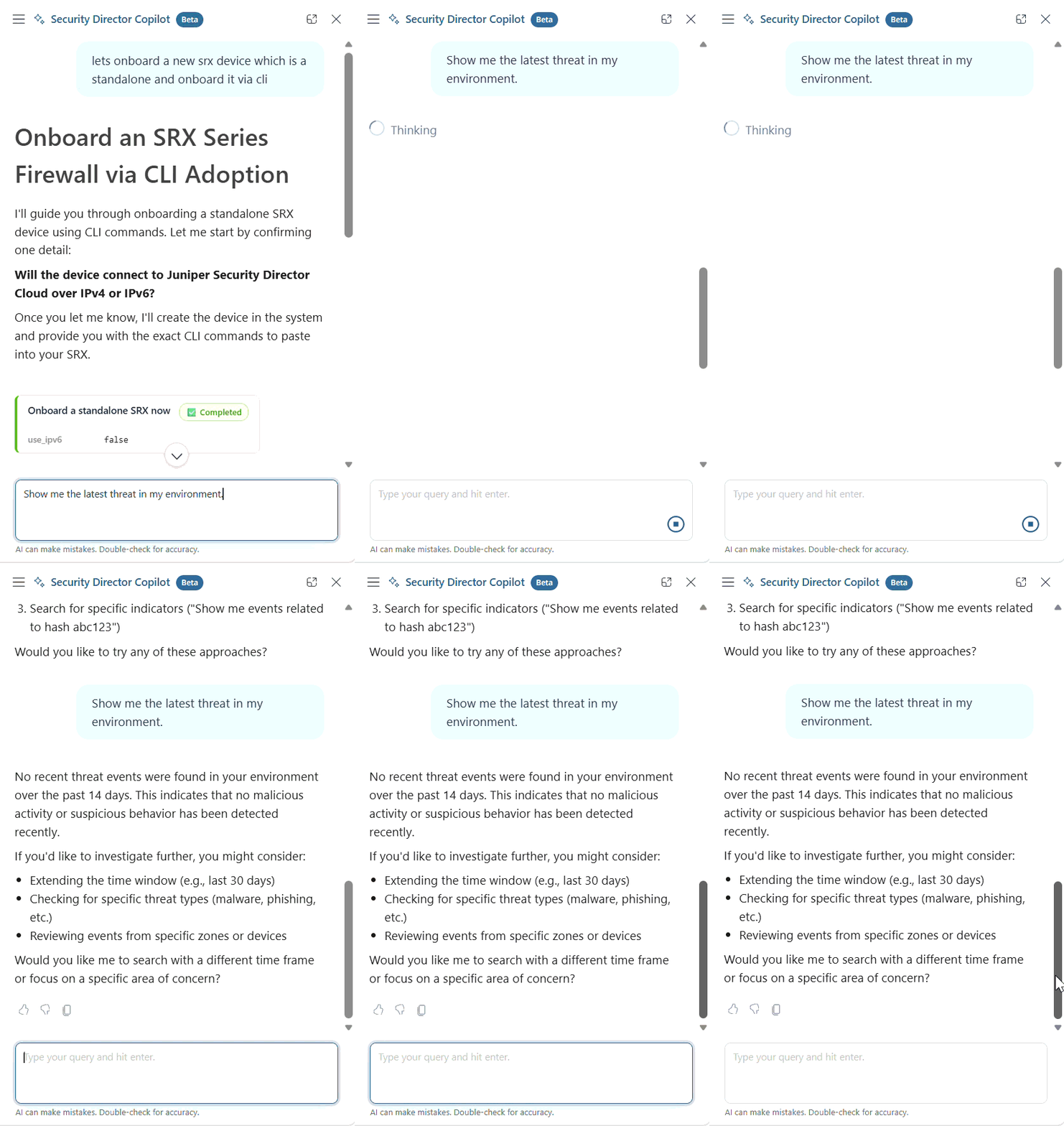
Use the Security Director Copilot to monitor real-time threats, review key insights, and take
guided actions to strengthen your environment’s security, all in one place.
Here are a few examples of how you can monitor and respond to threats:
Table 1: Monitor Real-Time Security Insights
| If you want to... |
You can... |
| Get Real-Time Threat Insights |
-
View up-to-date information about potential risks and security events in your
environment.
-
Stay informed about emerging threats without needing to monitor multiple tools.
-
Quickly understand the current state of your environment to take timely
action.
|
| View Active Threat Summaries |
-
Access concise summaries of active threats affecting your environment.
-
Identify key details such as severity, affected devices, and potential
impact.
-
Focus on the most critical issues without being overwhelmed by raw data.
|
| Get Personalized Recommendations |
-
Receive actionable recommendations tailored to your environment.
-
Guidance is based on detected threats, system configurations, and best
practices.
-
Follow suggested actions to improve security posture and reduce risk.
|
| Review Data in One Place |
-
View summarized insights without navigating multiple dashboards or reports.
-
Save time by accessing relevant information directly within the chatbot.
-
Make informed decisions faster with consolidated data and insights.
|
In this video, see how Security Director Copilot analyzes your environment for threat
campaign activity and provides recommendations for further investigation.