Help us improve your experience.

Let us know what you think.

Do you have time for a two-minute survey?


Map an Auto-generated Organization to Secure Edge

If you do not have an ATP organization configured, you can map an auto-generated organization to Secure Edge.

To map an auto-generated organization:

  1. Select Administration > Advanced Threat Prevention > Mapping.

    The Advanced Threat Prevention (ATP) page appears displaying a message that no ATP is available.

    Figure 1: ATP Mapping No Advanced Threat Prevention available. Options: Map Auto-generated Organization or Map Your Existing Organization.
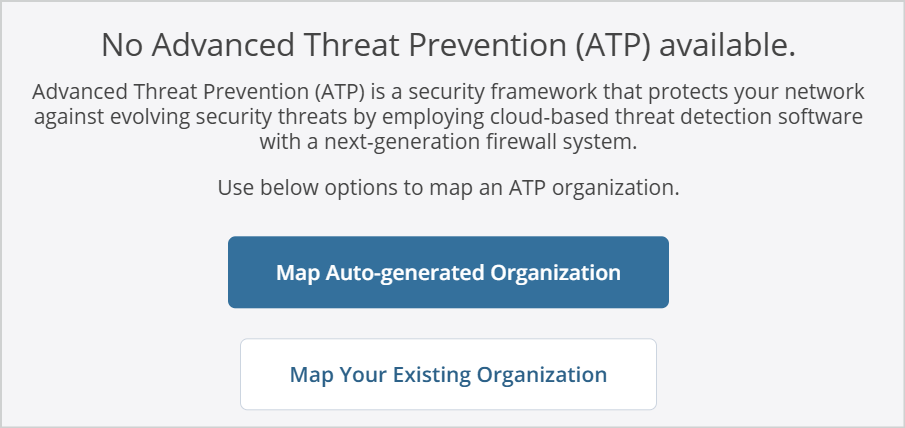
  2. Click Map Auto-generated Organization.

    The Map Auto-generated Organization page appears.

    The ATP realm will be mapped to Secure Edge automatically. Click the toggle button to automatically enroll newly adopted physical devices (excluding vSRX) to ATP Cloud.