Viewing Demands Over GRE Tunnels
Right-click over the GRE link either on the map or in the Network Info window, Links view pane. Select “View > Demands on/thru Link” to view the demands routed over the GRE link.
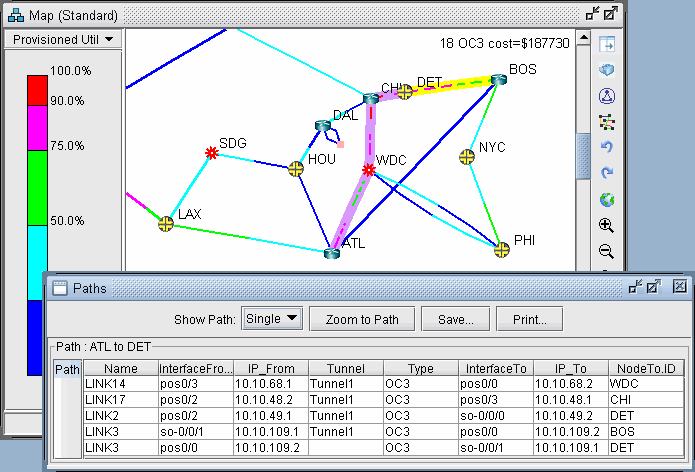
Select a Demand and click “Show Path” to view its path over the GRE tunnel.
Figure 1: Demand Routed Over GRE Tunnel via Static Route