VPN Configlet Generation
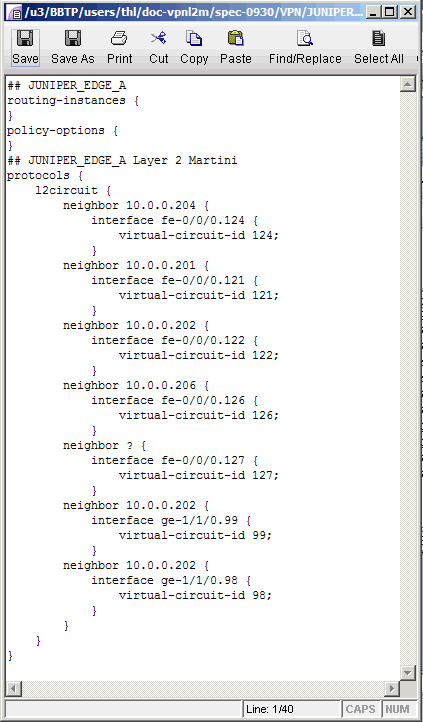
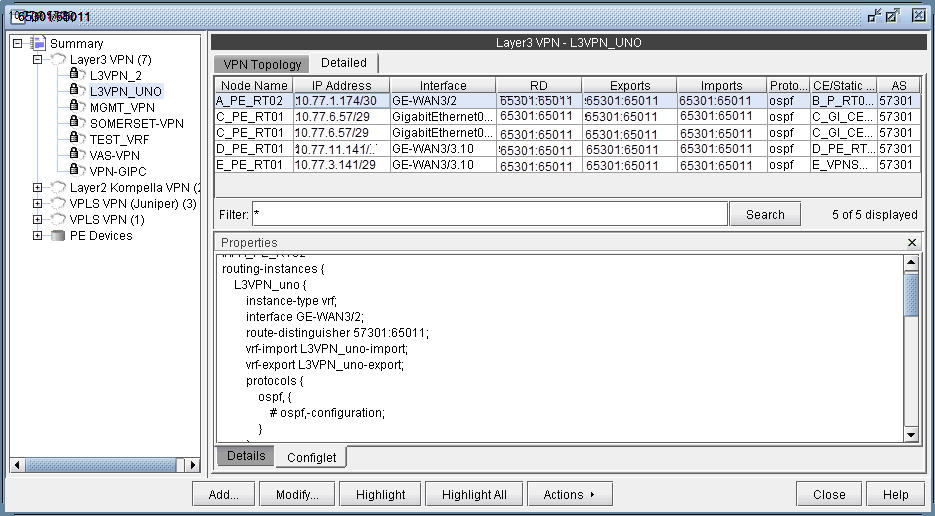
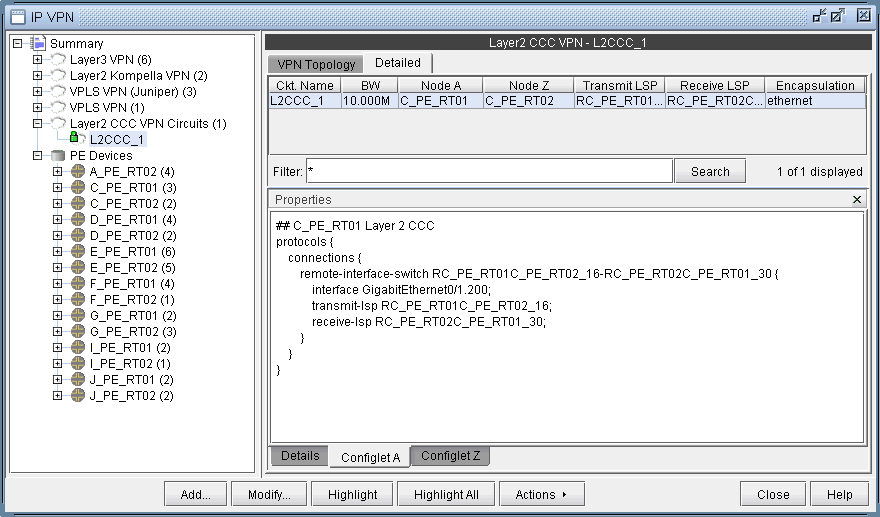
As mentioned earlier under the sections under VPN Design and Modeling using the VPN Wizard, the VPN Module gives you the ability to generate VPN configlets for a particular VPN. For instance, the last step under the section, L3 (Layer 3) VPN, describes how to generate and display the configlet for a L3VPN. The following figures show configlets generated for two of the VPNs discussed earlier.
To generate configlets in batch for several of the VPNs in a network, you may use the VPN Configlet window (accessed via the Design > Configlets/Delta > VPN Configlet menu), where you can specify a particular directory (specified in the Directory box) to store the generated VPN configlets. In addition, you may also choose to generate configlets for particular nodes or VPNs via the Node/VPN drop-downs.
Select “CLI Commands” before clicking “Submit” to also generate the corresponding CLI commands corresponding to the configlet.
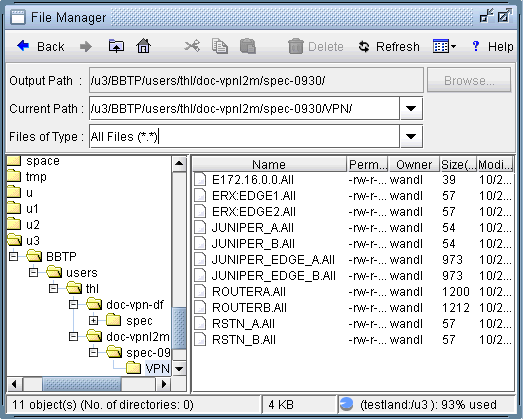
The following figure shows a VPN directory that contains all of the generated VPN configlets for the network.
An example of a generated VPN configlet is shown in the following figure.