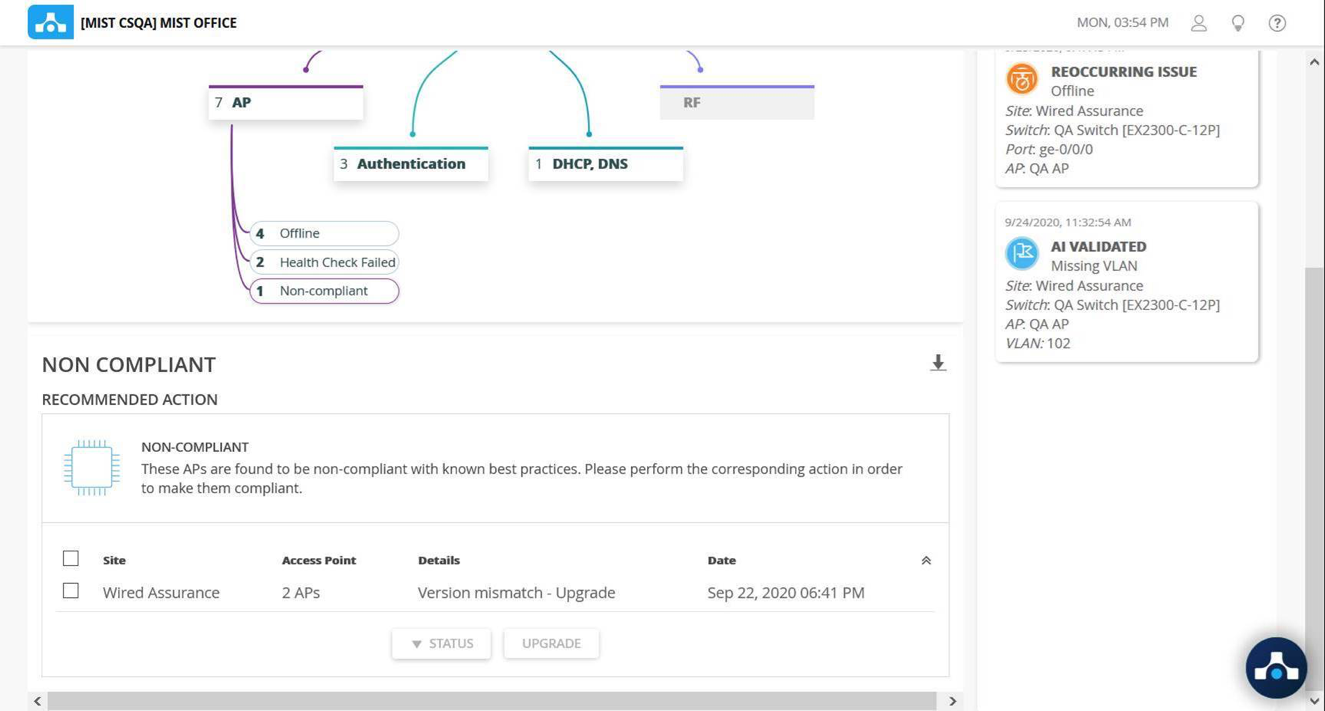
Troubleshooting Common Issues
Connectivity Issues
This section addresses common problems where devices or users cannot connect to the wired or wireless network. Troubleshooting steps typically involve verifying physical layer integrity, checking VLAN assignments, confirming IP address acquisition (DHCP), and inspecting firewall rules that might block access. For wireless, checks include SSID broadcast, signal strength, and basic authentication failures.
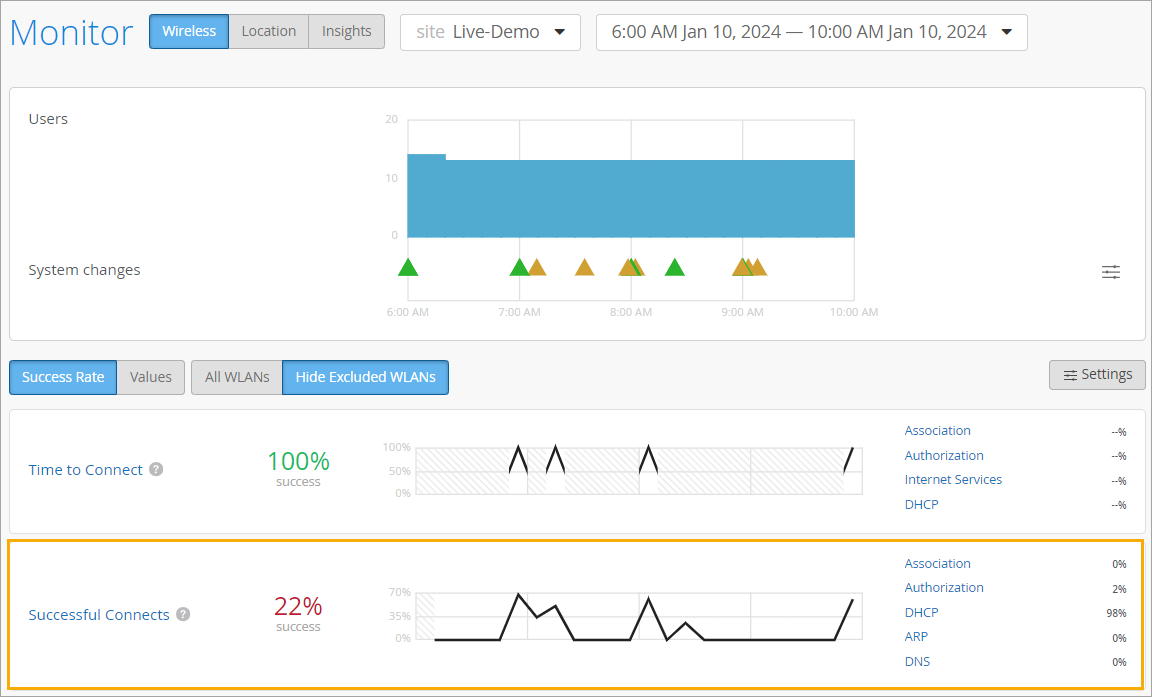
Performance Degradation
Examples include scenarios where clients can connect to the network, but performance is suboptimal which leads to slow application response times, buffering video, or dropped calls. Troubleshooting involves:
- Analyzing bandwidth utilization
- Identifying bottlenecks like congested links or overloaded APs
- Checking for excessive latency
- Checking for packet loss
- Verifying QoS policies are correctly prioritizing critical traffic
Mist AI's insights into client experience and application performance are crucial in analyzing performance issues.

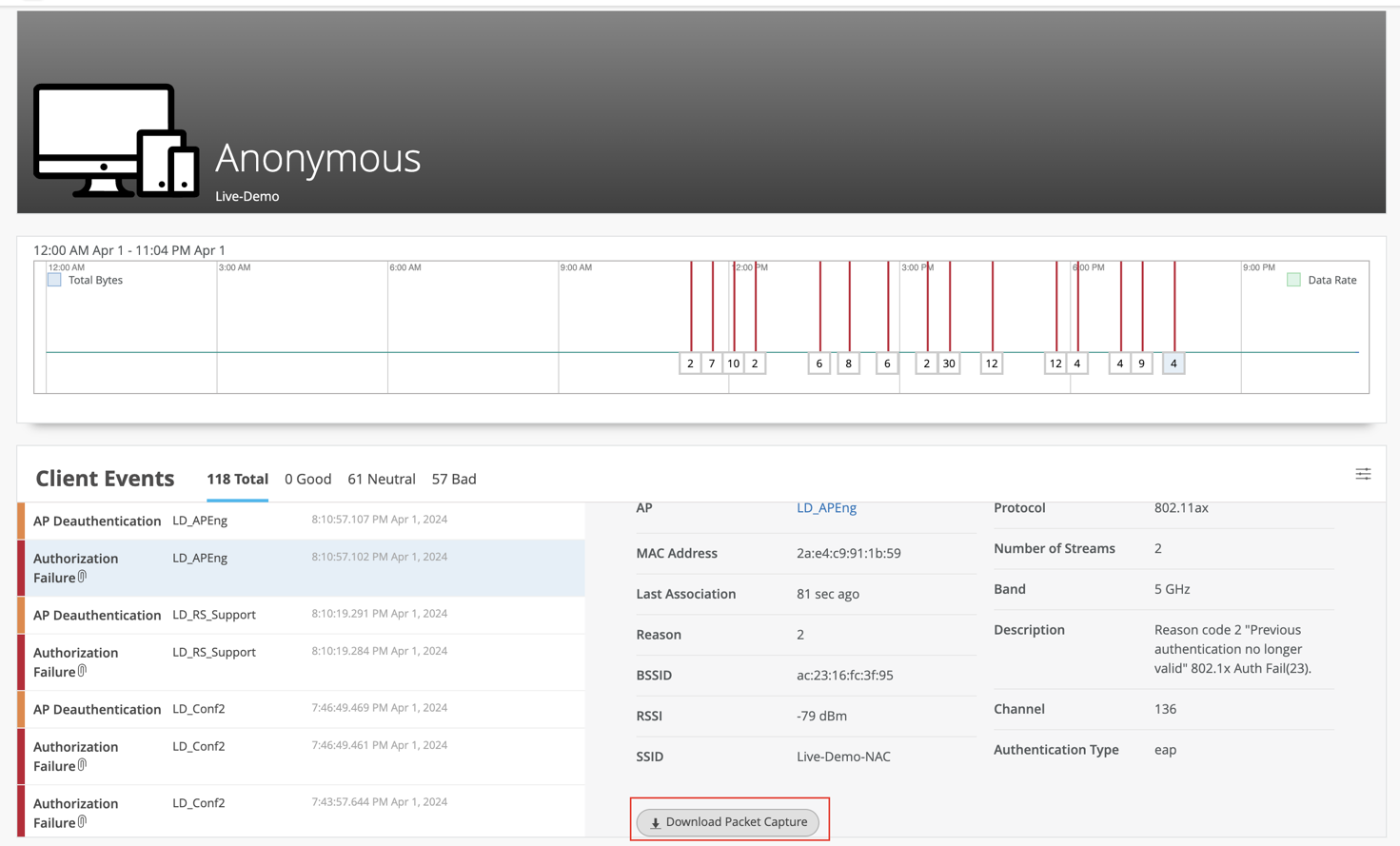
Authentication Failures
This section covers issues where users or devices cannot authenticate to the network. Common causes include incorrect credentials, misconfigured RADIUS servers, issues with 802.1X supplicants, or problems with identity management system integration (for example, Active Directory). Troubleshooting involves reviewing authentication logs, checking RADIUS server reachability and configuration, and verifying user and device credentials against the authentication source.
AP or Switch Offline Issues
This addresses situations where APs or EX Series switches appear offline or are not reporting to the Mist Cloud. Common causes include power issues (PoE problems), network connectivity disruptions to the Internet or Mist Cloud, DNS resolution failures, or firewall blocks preventing communication with Mist services. Troubleshooting involves verifying physical power, checking upstream network connectivity, confirming DNS resolution, and reviewing firewall policies.