
Release a High Availability Cluster
If you will no longer be using the WAN Edge devices in a high availability cluster, you can release the cluster from Mist so that the devices are no longer managed by Mist. The device configuration is deleted and clustering is disabled.
If the WAN Edge devices in a high availability cluster will no
longer be used, you can release the cluster so that the devices are no longer claimed by the
organization and are no longer managed by Mist. All device configuration is deleted (set to
factory default settings) and clustering is disabled.
-
Select the checkbox next to the high availability pair and click
Release under More.
Figure 1: Select WAN Edge Cluster to Release
 Attention:
Pay close attention to the Warning messages that display in the Confirm Release window for SRX clusters versus SSR clusters.
Click Yes in the Confirm Release when you are ready to proceed.
Figure 2: Confirm Release of HA Cluster for SRXs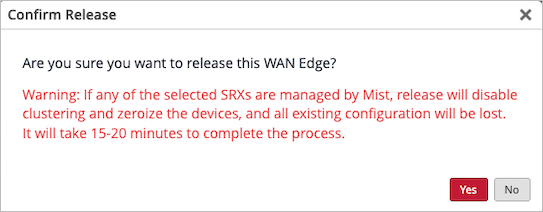 Figure 3: Confirm Release of HA Cluster for SSRs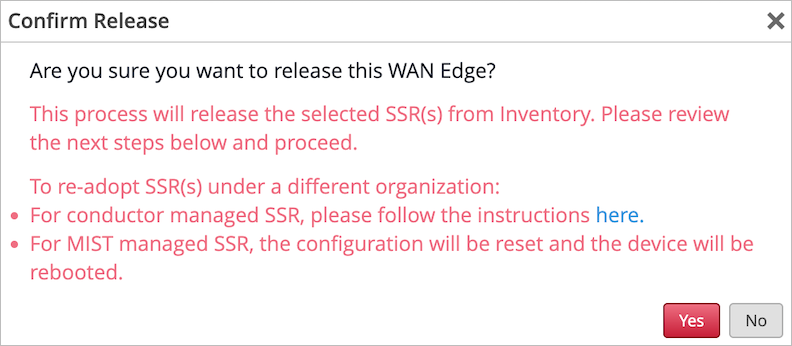
The WAN Edges are no longer claimed by this organization and are no longer managed by Juniper Mist.
The device configuration is deleted (set to factory default settings) and clustering is disabled.