
App Aware Page Not Showing Services
Problem
In Apstra Flow dashboards, interfaces appear as raw index numbers (index:522, index:524...etc) instead of human-readable names like ge-0/0/1.
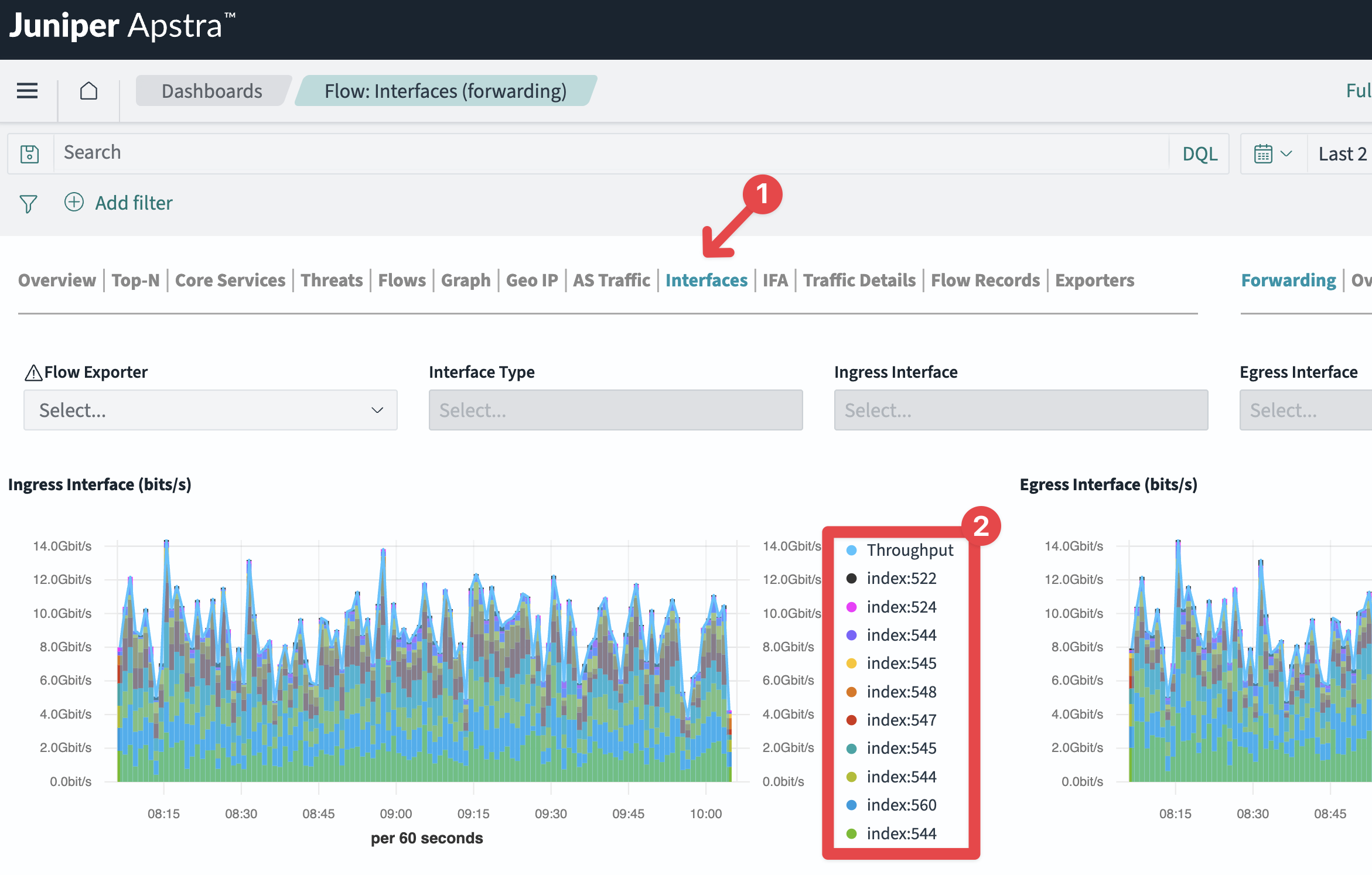
Solution
Refer the table below for likely cause and their solution.
| Symptom | Likely Cause | Resolution |
|---|---|---|
| Interfaces shown as index numbers (e.g. index:522) in Flow dashboards | SNMP enrichment is not enabled or is failing. Apstra Flow uses SNMP to resolve interface indices to names. | Confirm the SNMP for Flow Data Interface Enrichment configlet is deployed and committed in the blueprint. Verify the SNMP community string in the property set matches the device configuration exactly. Check the Flow server logs for SNMP errors: cat /var/log/juniper/flowcoll/flowcoll.log | grep -i snmp |
| SNMP queries failing silently | Community string mismatch between the property set and device configuration. | The SNMP community string is case-sensitive. Confirm the value in the Apstra property set matches exactly what is configured on your Junos devices. If you recently changed the community string on devices, update the property set and recommit the configlet. |