
Step 2b Retrieve Edge Registration Code
After adopting Apstra Edge, retrieve the registration code that DC Assurance generated. You need this code to register Apstra Edge in Apstra Data Center Director.
-
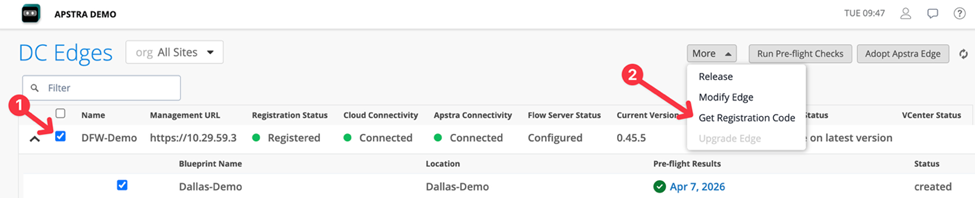
Click More > Get Registration Code.
-
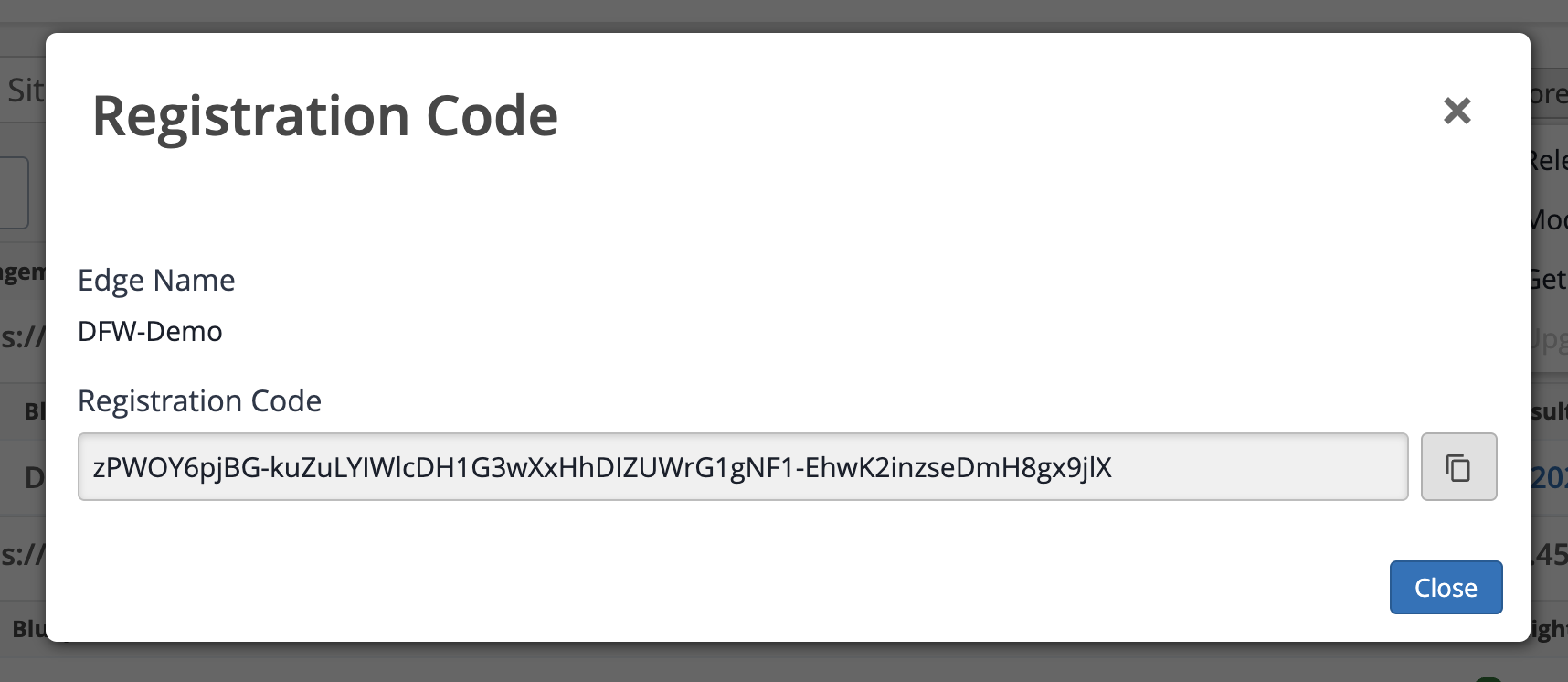
Copy the registration code and keep it ready for the next step.
 Note:
Note:This registration code is for one-time use only. After the Apstra Edge registers with DC Assurance on first boot, the code is no longer valid. After the first reboot, Apstra uses a stored secret.