Product Usage License Report
From the Apstra GUI, you can navigate to the Product Usage dashboard to view various statistics on features and their associated license level based on usage. Apstra compares product usage to your applied licenses, warns of mismatches, and helps ensure compliance.
From the left navigation menu in the Apstra GUI, navigate to Platform > Product
Usage. 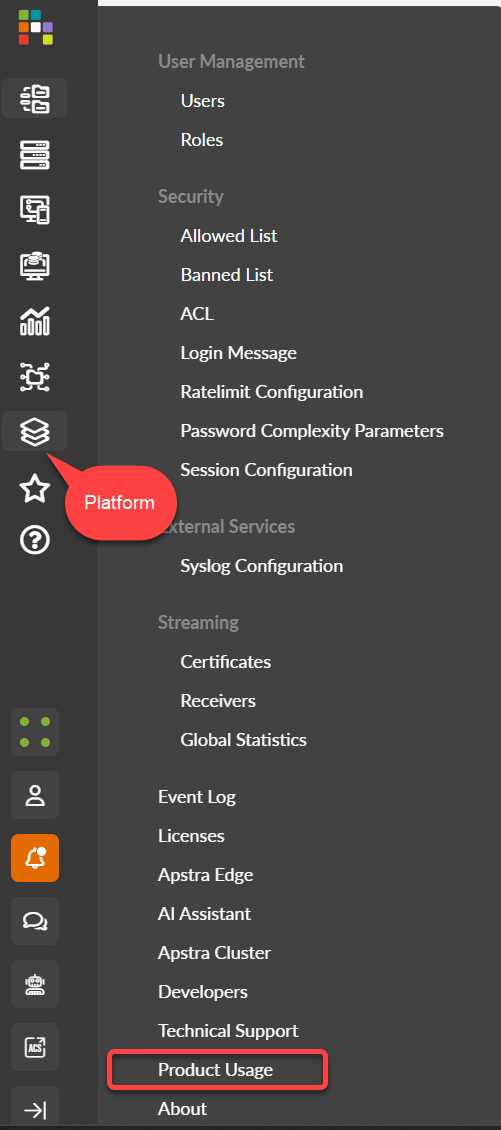
From the Product Usage page you can view information about your current licensing plan.
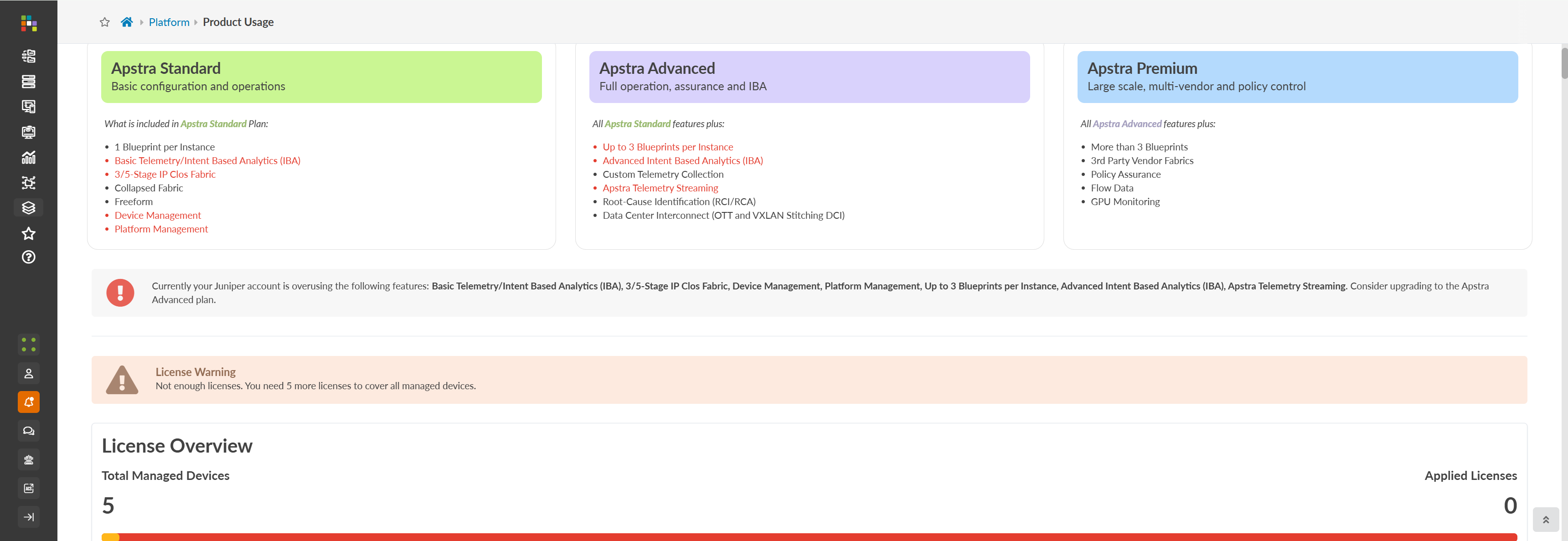
Apstra uses a Flex three-tier software license model: Standard, Advanced, and Premium. All features provided by Apstra are listed here with the required licenses. The license overview shows the total managed devices and the number of applied licenses. The plan indicates which products you are using and its current license level. Any product highlighted in red is out of compliance.
For more information about Apstra license levels, see the Juniper Licensing User Guide.
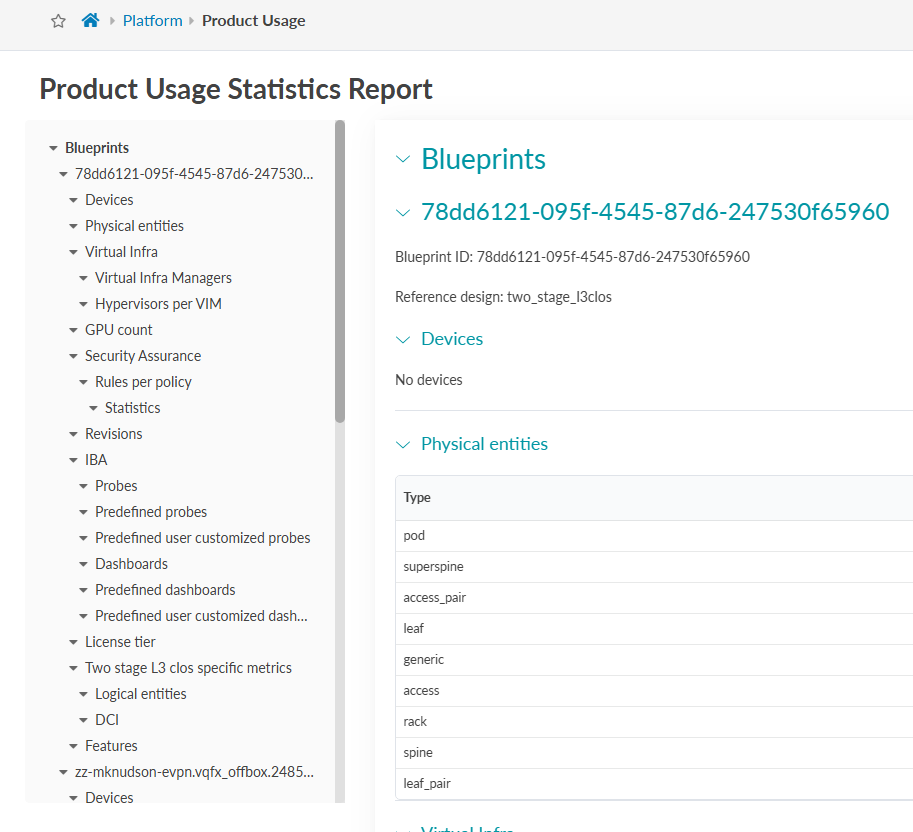
You can also view product usage statistics that provides blueprint metrics such as:
-
Device count and types (Physical entities)
-
Virtual Infrastructure details (hypervisors per VIM)
-
GPU count
-
Security policies and rules per policy
-
Required license tier
-
IBA probe count, including auto-enabled and user-instantiated probes