Show Apstra ZTP Logs
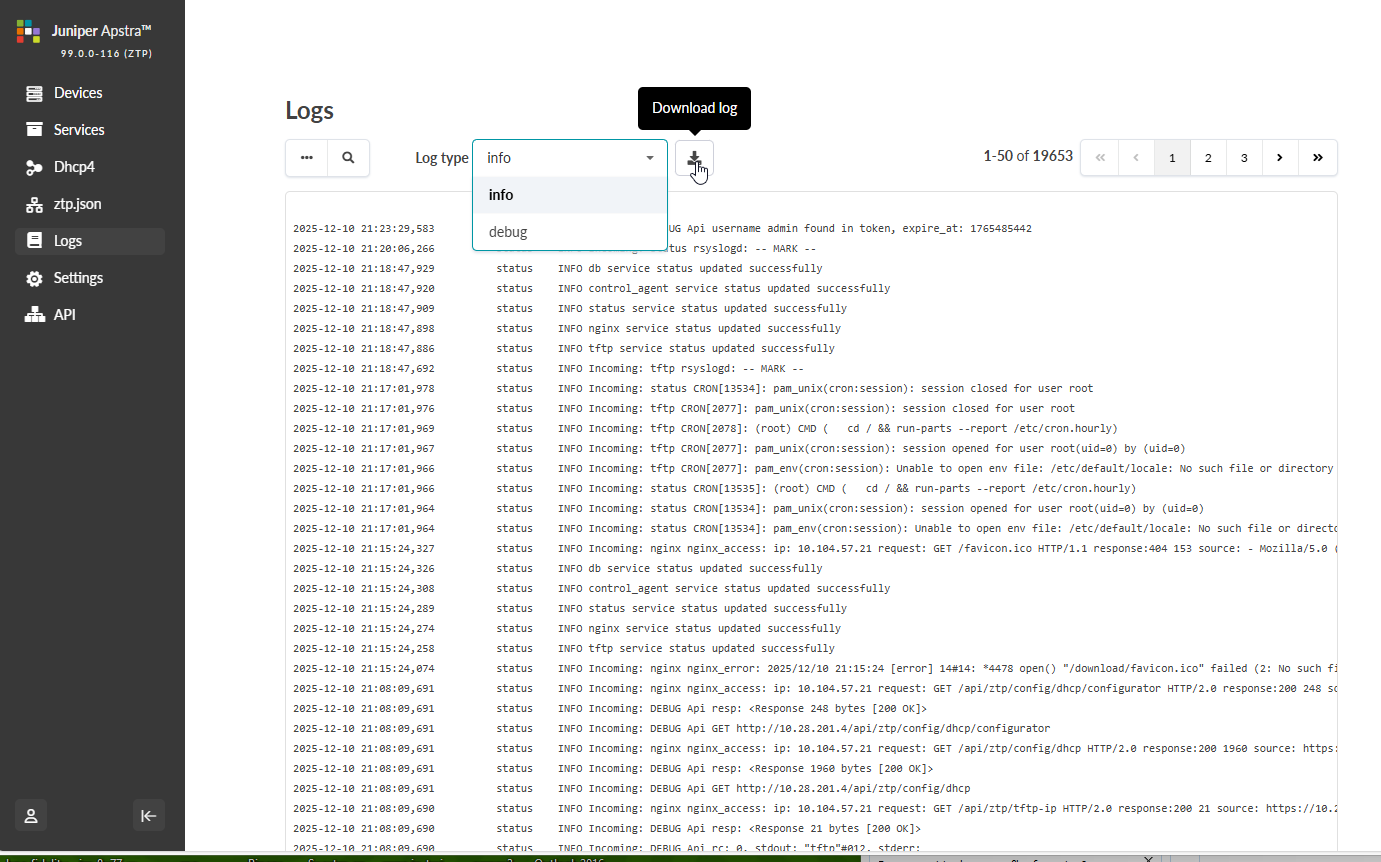
To assist with troubleshooting, you can access various ztp logs directly from the Apstra ZTP GUI (as of Apstra version 5.0.0).
-
From the left navigation menu of the Apstra ZTP GUI, click
Logs.

Help us improve your experience.
Let us know what you think.
Do you have time for a two-minute survey?
To assist with troubleshooting, you can access various ztp logs directly from the Apstra ZTP GUI (as of Apstra version 5.0.0).