Help us improve your experience.

Let us know what you think.

Do you have time for a two-minute survey?


Change Number of Saved Blueprint Revisions

5 blueprint revisions are saved automatically by default. You can change the setting to save up to 100 revisions. When you commit a revision to the blueprint that exceeds the set number to save, then the oldest revision is automatically deleted.
  1. From the blueprint, click Time Voyager, then click Settings (top-right) to go to the Update Settings dialog.
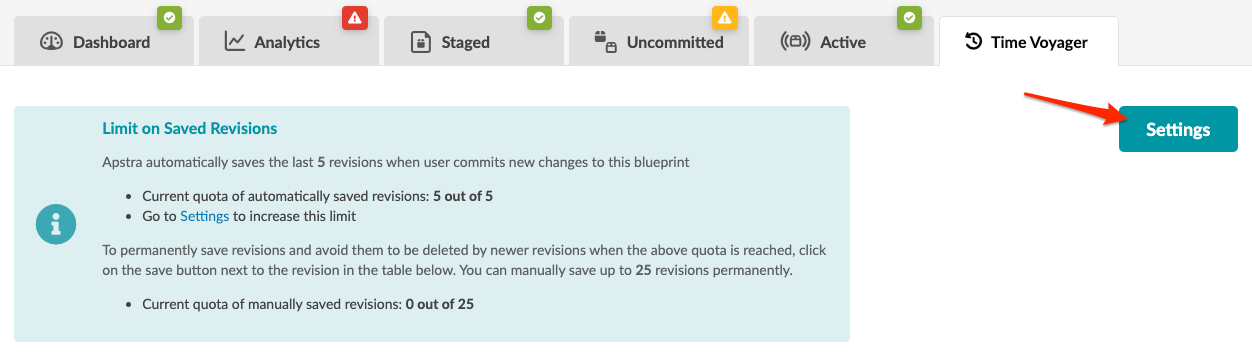
    User interface screenshot with tabs for Dashboard, Analytics, Staged, Uncommitted, Active, and Time Voyager. Shows revision limits; 5 of 5 auto-saved, 0 of 25 manual. Settings button highlighted for increasing limits.
  2. Change the maximum number of automatically saved revisions, up to 100. Decreasing the number of automatically saved revisions will delete older revisions, as needed.