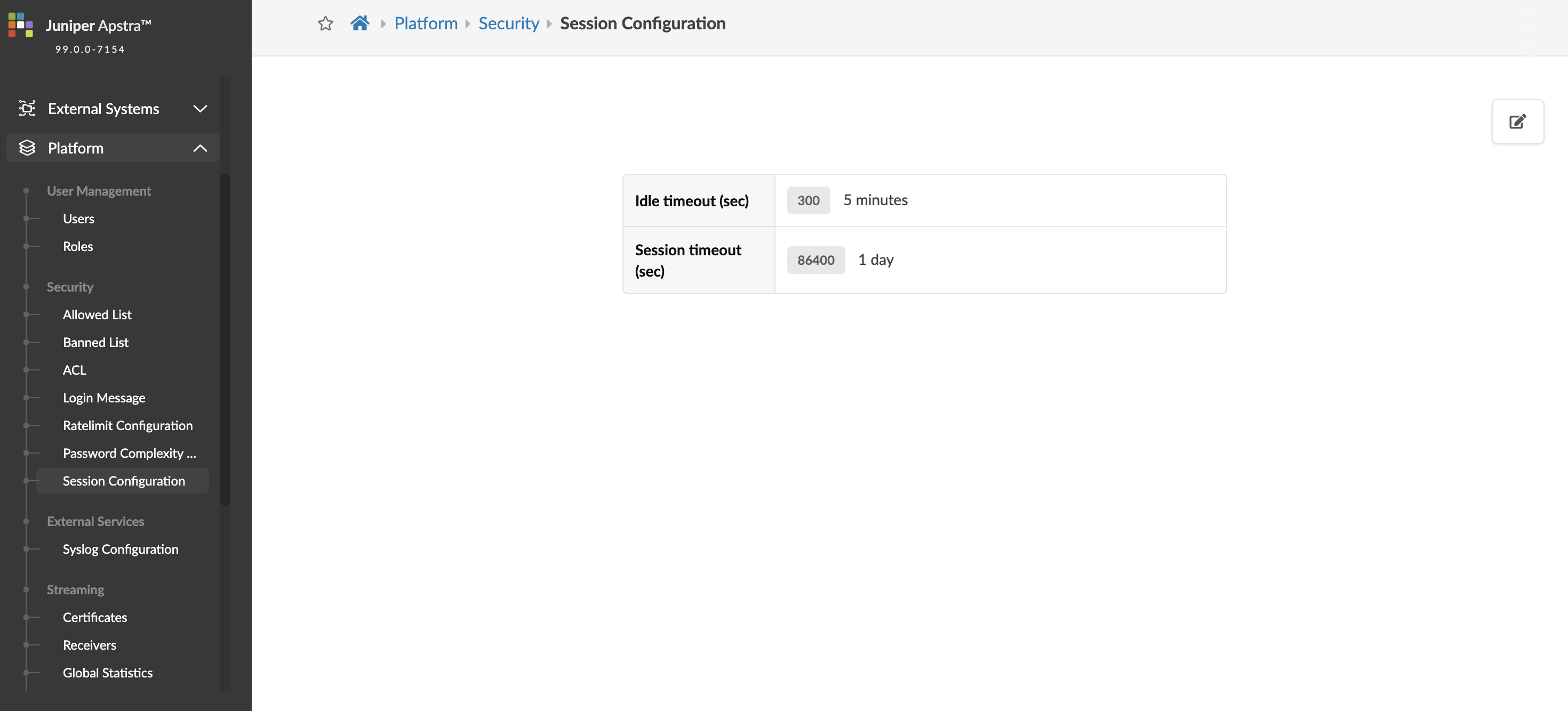
Session Configuration
The configurable inactivity timeout feature enhances security
by automatically logging you out after a specified period of inactivity. This safeguard
protects sensitive information and ensures adherence to organizational security standards. It
allows administrators to customize logout times based on role-based access control (RBAC)
roles, offering flexibility in applying security settings across various user roles. The user
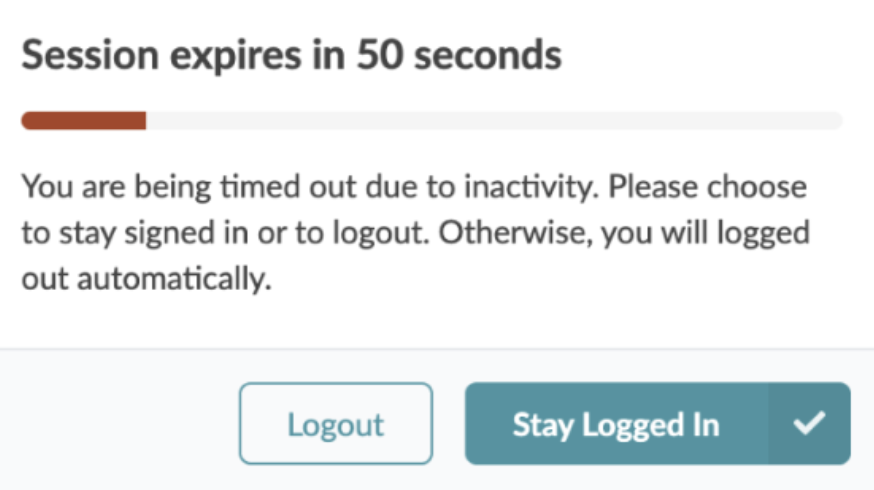
interface includes a visual timer that alerts you of impending logout, set with default
parameters to raise awareness of inactivity status.
Edit Time-out Interval
To edit the Idle time-out or Session time-out, perform the following steps:
-
From the left navigation menu, navigate to Platform > Security > Session
Configuration and click the Edit button (top-right).