
ON THIS PAGE
VN Deletion Impact on Connectivity Templates of type Multiple VLAN
Introduction
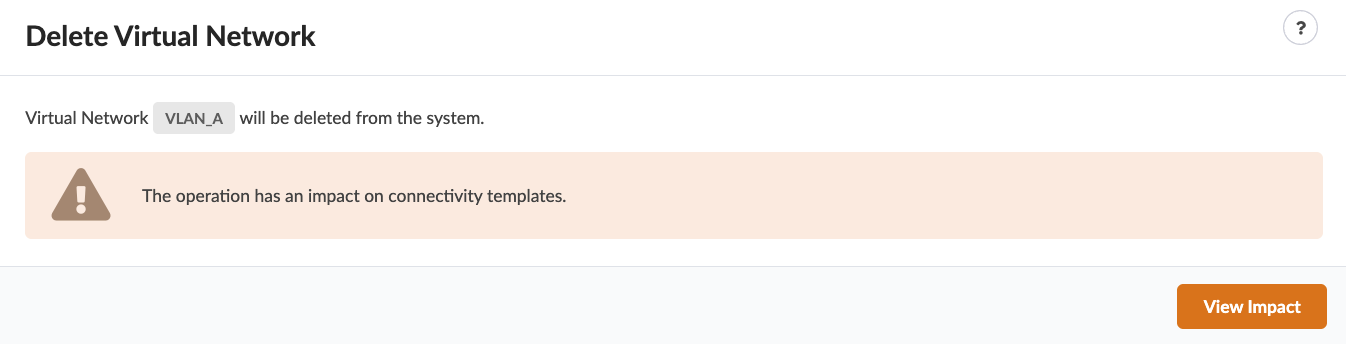
In some cases, deleting a virtual network (VN) that is used in Connectivity Templates removes VN endpoints from multiple interfaces. In some blueprints, VN deletion impacts other VNs that share the same template primitives. For example, in a template where VLAN endpoints are provisioned using Connectivity Templates of type “Multiple VLANs,” which group together multiple VLANs in the same Connectivity Template. Previously, administrators had to be aware of these dependencies so as not to disrupt connectivity when removing unused VNs. Apstra 6.1 addresses this by making these dependencies visible in the UI and requiring you to review the impact of deleting a VN. This feature helps you safely remove VNs without disrupting endpoint connectivity in Connectivity Templates.
VN Deletion Overview
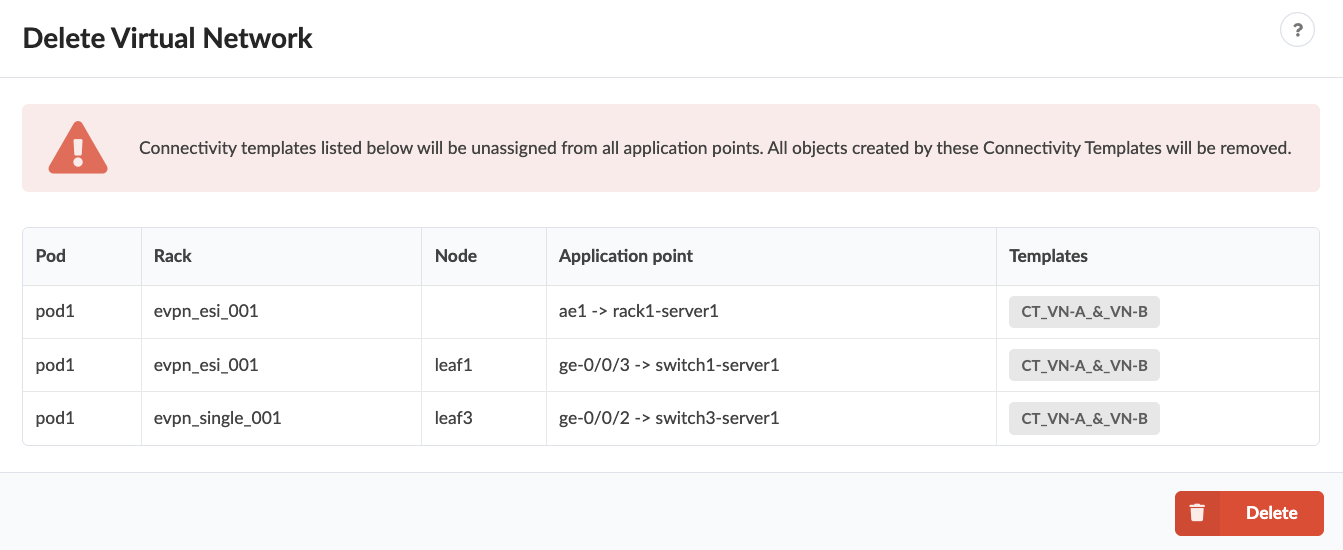
The table includes the following columns:
- Pod
- Rack
- Node
- Application point
- Templates
You can cancel the VN deletion or select Delete and commit.