
ON THIS PAGE
FIPS Mode Support (Junos OS, Junos OS Evolved)
Introduction
Apstra 6.1 supports managing network devices operating in Federal Information Processing Standards (FIPS) mode. Federal Information Processing Standards (FIPS) are standards provided by the United Stated Federal government for the purpose of secure interoperability among computing systems. These standards include encryption and common codes for various types of information, such as emergencies in certain geographic locations.
For Junos OS FIPS behavior, see:
These topics explain FIPS in Junos, how self-tests are performed, and which algorithms and services are disabled in FIPS mode.
Junos and Junos OS Evolved devices that are qualified for FIPS can be set into FIPS mode (Apstra 6.1 tested with levels 1 and 2) and then onboarded into Apstra. Junos OS Evolved supports FIPS mode on all relevant versions. Note that FIPS levels 1 and 2 are qualified with Apstra 6.1.
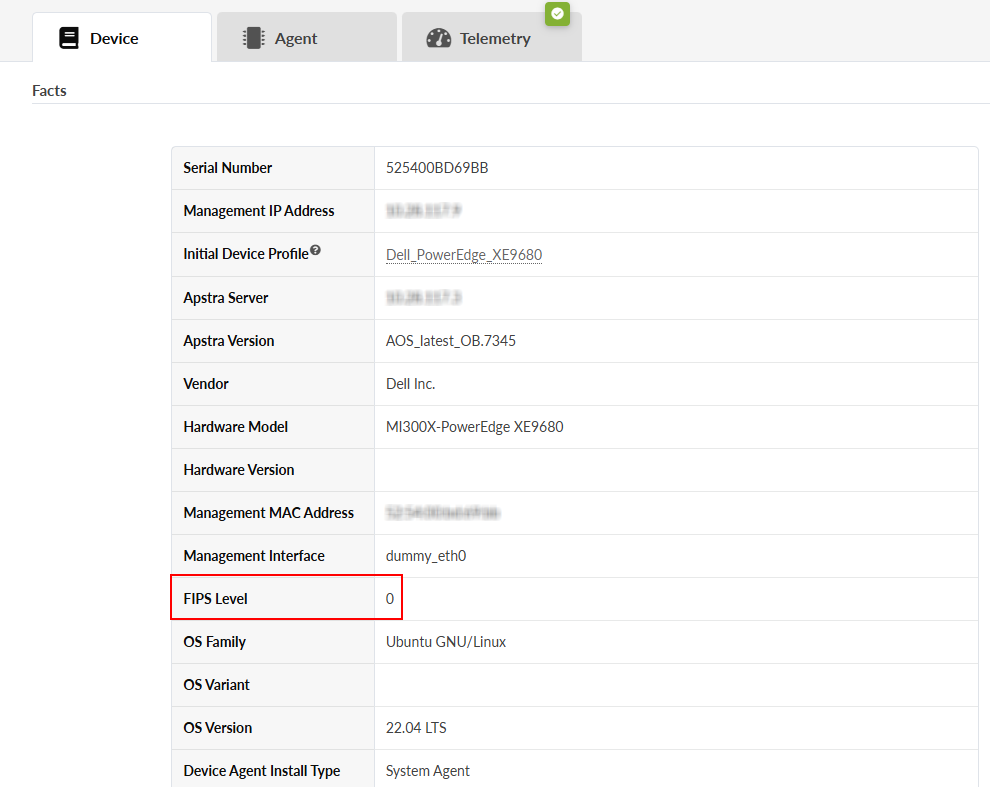
The recommended version for Junos is 23.4R2-S5 or later. Any version of Junos OS Evolved is suitable.
Compatibility
The following table lists the Juniper devices supported by Apstra in FIPS mode and OS versions.
| Device | OS | Version |
|---|---|---|
| QFX5120 | Junos | 22.4R3, 23.4R2-S5 |
| QFX5130 | Junos OS Evolved | 23.4R2-S7 |
| QFX5210 | Junos | 22.4R3, 23.4R2-S5 |
| QFX5220 | Junos OS Evolved | 23.4R2-S7 |
| QFX5230 | Junos OS Evolved | 23.4R2-S7 |
| QFX5240 | Junos OS Evolved | 23.4R2-S7 |
| QFX10002/10008/10016 | Junos | 22.4R3, 23.4R2-S5 |
| EX4650 | Junos | 22.4R3, 23.4R2-S5 |
| PTX1000 series | Junos OS Evolved | Any |
All Junos OS Evolved versions must be 23.4R2-S7 or higher.
Enable FIPS Mode
In Junos OS, FIPS mode is not enabled by default and must be configured.
When you onboard your device into the Apstra Device Manager, FIPS must already be enabled. In other words, the "fips" stanza must be present in the pristine configuration of that device before onboarding.
When enabling FIPS mode on dual routing engine devices such as the QFX10008, an internal IPSec tunnel between the two routing engines must be established.
Please contact Support for up-to-date instructions on how to establish encryption between the routing engines (nodes) of the chassis.
For more information, see: