Troubleshooting
Check the following to help with troubleshooting:
- Ensure that the GPU servers are connected as “generic systems” in blueprint.
- Verify that all user-inputted Property Sets follow the correct naming conventions and are properly imported into the relevant blueprints.
- Confirm that both Apstra and the GPU servers are reachable from the VM/host/server where ConnectorOps is installed.
- Check that the ConnectorOps RNIC Configurator service is up and running. Review logs for
any errors
using:
docker logs <container_name_or_id>
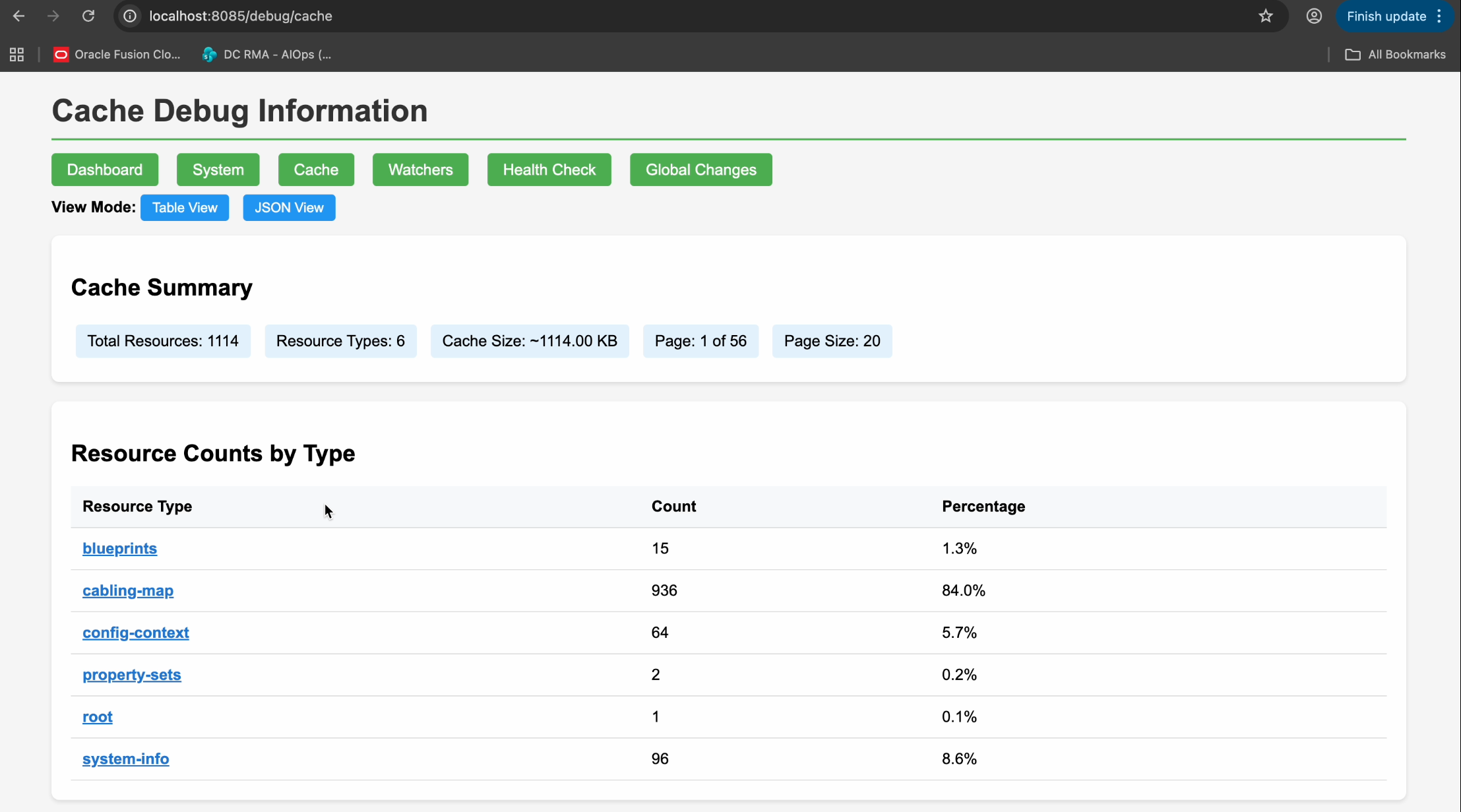
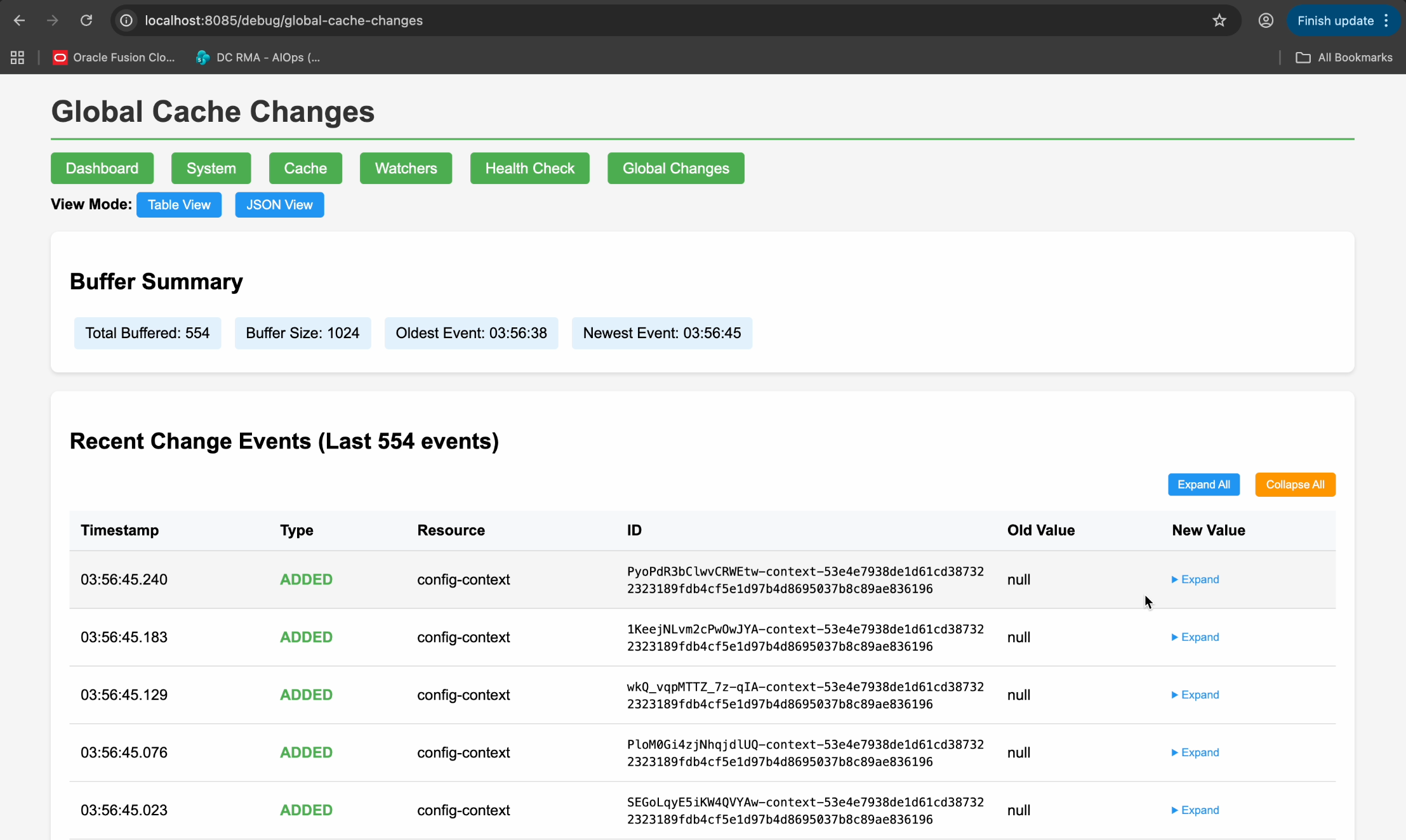
To access the debugging tool dashboard, visit http://<host-ip>:<8080>.
You can use the debugging dashboard tool to troubleshoot by checking which blueprints are
being polled, when data was last updated, and whether any errors occurred while processing
Apstra configuration changes.