
Analytics Telemetry Service Registry
Introduction
Apstra ships with many built-in telemetry services, which collect telemetry data. The telemetry service registry is a table of telemetry services. Built-in services can't be changed.
From the left navigation menu of the Apstra GUI, navigate to Analytics > Service Registry to go to the service registry. You can create, import and delete telemetry service schemas via the GUI.
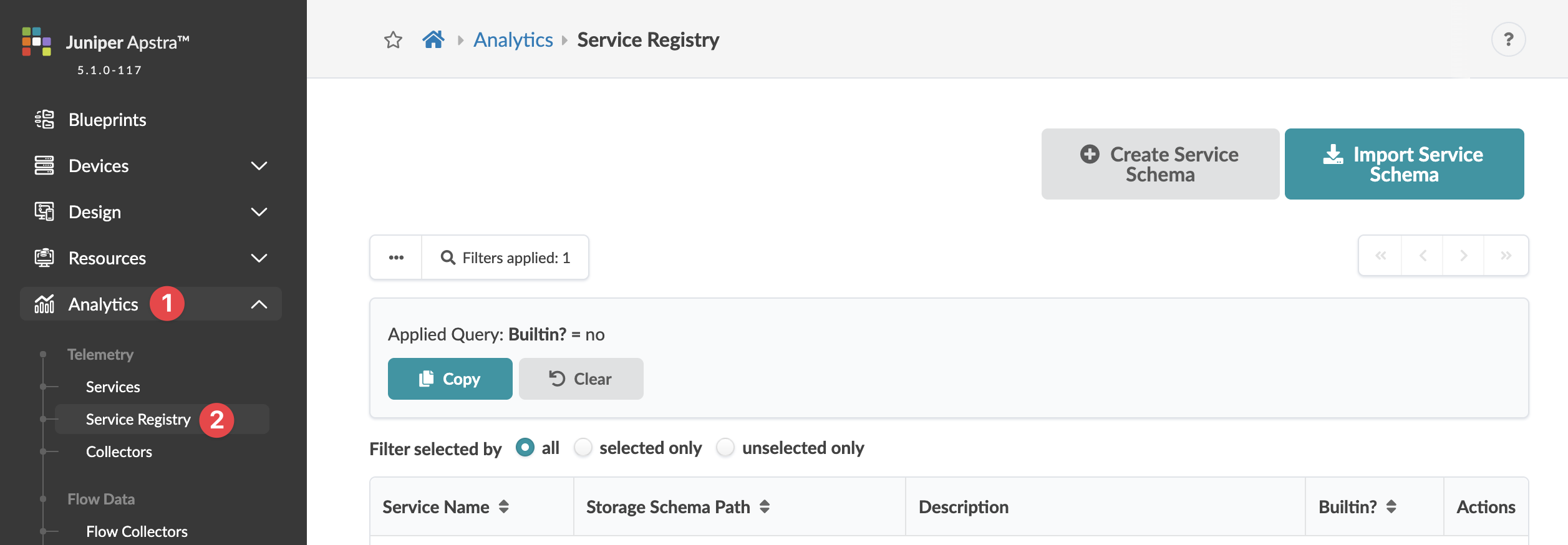
Import Service Schemas
- From the left navigation menu, navigate to Analytics > Service Registry and click Import Service Schemas.
- Either click Choose File and navigate to the file on your computer, or drag and drop the file from your computer into the dialog window and click Import.
Delete Service Registry
- From the left navigation menu, navigate to Analytics > Service Registry and click the Delete button for the service to delete.
- Click Delete Service Schema to remove the schema from the system and return to the service registry screen.