
Step 1: Begin
This guide walks you through the steps to onboard a router (both Juniper and non-Juniper) to Paragon Automation, so that the device can be managed, provisioned, and monitored through automated workflows. Use this guide if you are a user with the Super User or Network Admin role in Paragon Automation.
Supported Network Devices
You can onboard ACX Series, MX Series, PTX Series, EX Series, QFX Series, and Cisco Systems devices listed in Supported Hardware to Paragon Automation and manage them.
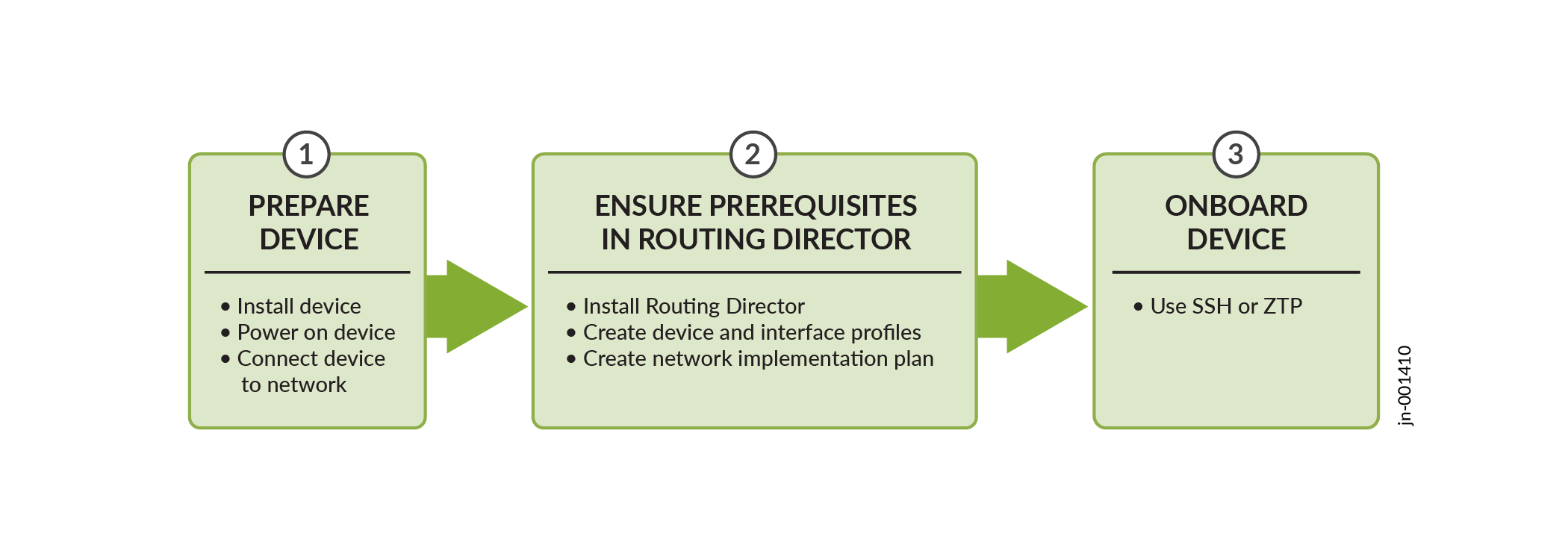
Device Onboarding Workflow
Figure shows the workflow to onboard a Juniper device to Routing Director.
Install the Device
Follow the instructions in the hardware documentation to unbox the device, mount it on a rack, and power on the device. For details about installing a device, follow the instructions in the model-specific Hardware Guide on the Supported Hardware page.
To install devices from other vendors, follow instructions from the respective vendors.