Help us improve your experience.

Let us know what you think.

Do you have time for a two-minute survey?


監視するアラートとイベントを選択する

Webhookを有効にしたら、監視するアラートとイベントを選択します。
  1. ジュニパー Mist™ポータルの左側のメニューから、[ 監視 > アラート] を選択します。
  2. アラート設定(ページの右上隅付近)をクリックします。
    Alerts dashboard with no active alerts, filters for organization and time, Alerts Configuration button, user profile, help icon, and options to download and refresh data.
  3. 監視するアラートまたはイベントのタイプごとにチェックボックスを選択します。
    注:

    インフラストラクチャなど、カテゴリ内のすべてのオプションを選択する場合は、そのセクションの上部にあるチェックボックスを選択します。

    例文
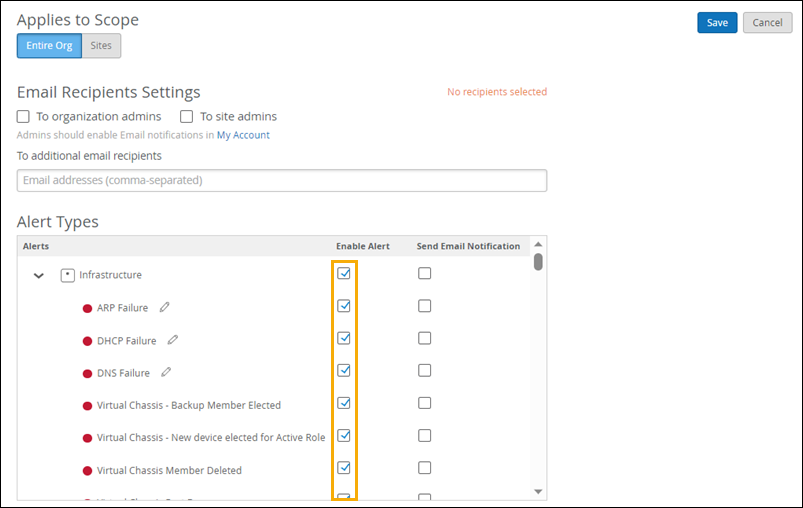
    Configuration interface for alert notifications with options for scope selection, email recipients, alert types under Infrastructure category, and checkboxes to enable alerts or email notifications. Save and cancel buttons are at the top-right.
